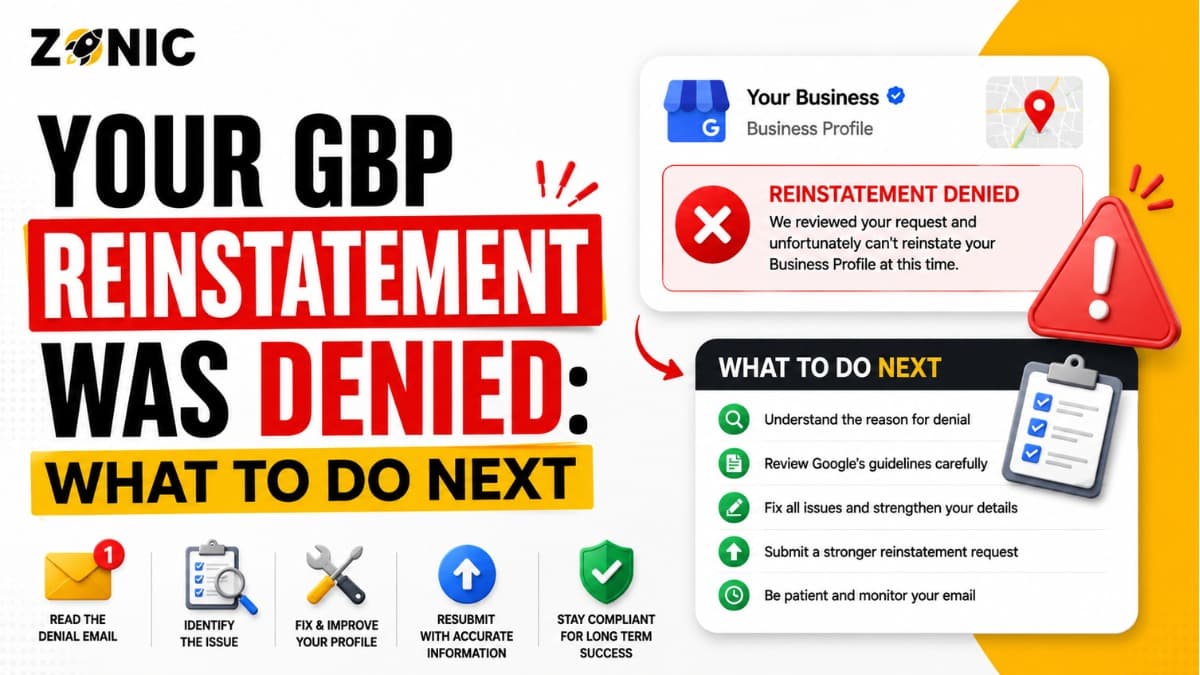
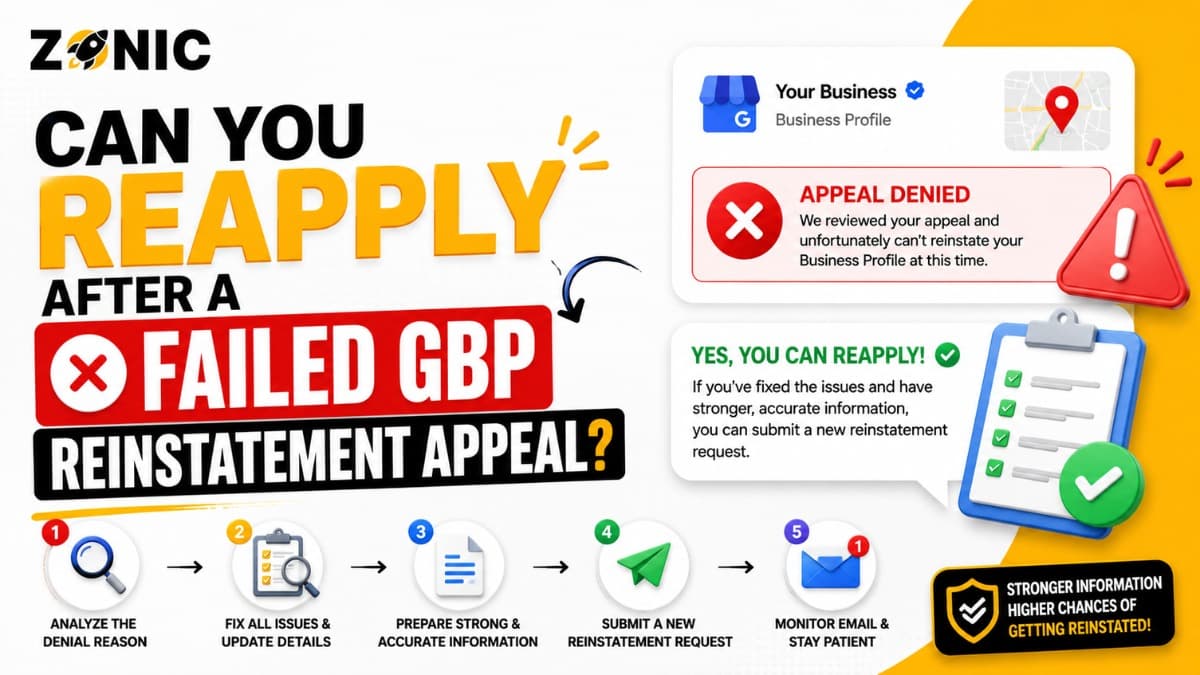
A failed Google Business Profile reinstatement appeal can feel like a dead end. You already submitted the request. You waited for Google to review it. You may have uploaded documents, explained your business, and expected the profile to come back. Then the appeal was denied.
For many business owners, the next question is simple: can you reapply after a failed GBP reinstatement appeal?
In many cases, yes, but you should not simply resend the same appeal. A failed appeal usually means Google was not convinced by the profile, the documents, the explanation, or the business setup. If you submit the same weak information again, you may waste another chance and make the recovery process harder.
The right way to reapply GBP reinstatement is to slow down, review why the first appeal failed, fix the real issue, gather stronger evidence, and then request another review if that option is available.
A second appeal Google Business Profile request should be stronger than the first one. It should show what changed, what was corrected, and what new proof supports your business.
This blog explains when you can reapply, what you should fix first, what evidence matters, and what mistakes to avoid after a failed GBP reinstatement appeal.
Can You Reapply After a Failed GBP Reinstatement Appeal?
Yes, in many cases, you may be able to request an additional review after a failed GBP reinstatement appeal. The key is to make sure your second request is not just a repeat of the first one.
A Failed Appeal Does Not Always Mean the Case Is Over
A denied appeal does not always mean your business is fake, ineligible, or permanently blocked. Sometimes it means the first appeal did not explain the case clearly enough.
Maybe the documents did not match the profile. Maybe the business name still looked keyword-stuffed. Maybe the address was not properly supported. Maybe duplicate listings caused confusion. Maybe the service-area setup was unclear.
A real business can still lose an appeal if the profile looks risky.
Reapplying Without Fixing Anything Is a Mistake
Reapplying only helps when something is improved. If the original problem is still there, the second request may fail too.
Before requesting another review, ask what changed since the first appeal. Did you correct the business name? Did you fix the address? Did you remove public address visibility for a service-area business? Did you gather better documents? Did you find a duplicate listing?
If the answer is no, wait and prepare first.
Why the First GBP Reinstatement Appeal Failed
A failed appeal usually happens because Google still sees doubt around the business profile. The issue may be in the profile itself, the evidence, or the appeal explanation.
The Profile Still Had a Policy Problem
If the profile was suspended for a reason that was never corrected, the appeal may be denied.
For example, a business may still have extra keywords in the name. A service-area company may still show an address customers do not visit. A profile may still use a virtual office or mailbox. A duplicate listing may still exist.
If Google reviews the profile and sees the same issue, the appeal can fail even if the business is real.
The Documents Did Not Match
Documents are supposed to make the business easier to verify. If they create new confusion, they can hurt the appeal.
A business license may show one name while the profile shows another. A utility bill may show a different address. A tax document may show an old location. A website screenshot may not show the same phone number or service area.
When the documents and profile do not match, the reviewer may not know which information is correct.
What to Check Before a Second Appeal Google Business Profile Request
Before submitting a second appeal, review the full profile carefully. Do not focus only on the denial message. The issue may be hidden in the setup.
Check the Business Name
The business name should match the real-world name customers know.
Do not use extra city names, service keywords, phone numbers, taglines, or promotional phrases unless they are legally part of the business name.
For example, if the real business name is Zonic, avoid using a profile name like Zonic Google Business Profile Reinstatement Experts USA NYC unless that exact name is supported by real business documents.
A clean business name is easier to defend.
Check the Address
Address issues are one of the biggest reasons second appeals fail.
If customers visit your location, the address should be real, staffed, and supported by proof. If customers do not visit your location, the profile should not make the address look like a storefront.
A home office, private office, virtual office, coworking space, or mailbox can create risk when it does not match real customer access or business operations.
Check the Service Area
If your business serves customers at their locations, the service-area setup should be realistic and accurate.
Do not add every city you want to rank in. Add areas your business actually serves. A huge service area can look suspicious if your website, team size, and documents do not support it.
Your service-area setup should feel believable.
When You Should Reapply for GBP Reinstatement
You should reapply only when your case is stronger than it was before. A second review should give Google new clarity, not the same old problem.
Reapply After Fixing the Profile
If you can still edit the profile, fix the risky details before requesting another review.
Correct the name. Adjust the address. Clean up the service area. Fix the website URL. Update the phone number if needed. Choose the correct category. Review old managers and access.
The profile should look stable and accurate before you ask Google to review it again.
Reapply After Gathering Better Evidence
If your first appeal had weak documents, prepare stronger proof before reapplying.
A second appeal should include evidence that directly supports the reason your profile was suspended.
If the issue was the business name, use registration, DBA, signage, or official documents. If the issue was address eligibility, use a lease, utility bill, storefront photo, or business license. If the issue was service-area setup, use insurance, branded vehicle photos, website details, and business registration.
When You Should Not Reapply Yet
Sometimes the best move is to wait, fix, and prepare. Reapplying too soon can waste time and create more frustration.
Do Not Reapply With the Same Evidence
If your first appeal was denied, sending the same documents again usually does not help.
The second request should add something stronger. It should answer the question Google may still have.
For example, if the first appeal had only a website screenshot, the second request may need official business registration, license, insurance, utility bill, or signage proof.
Do Not Reapply While the Profile Still Looks Risky
If the business name is still stuffed with keywords, the address is still questionable, or duplicates still exist, wait.
A second review is not a reset button. It is another chance to prove that the profile should be reinstated.
Use that chance carefully.
Common Reasons a Second GBP Appeal Gets Denied
A second appeal may fail when the business owner repeats the same mistakes from the first appeal. The reviewer needs to see better proof and a cleaner profile.
Common reasons include:
Same weak documents are uploaded again
Business name still includes extra keywords
Address still does not match documents
Virtual office or mailbox is still being used
Service-area setup is still unclear
Duplicate listings still exist
Website details conflict with the profile
Primary category does not match the real business
Appeal message is too emotional
No new evidence is provided
This is the first bullet section. If any of these apply, fix them before sending another request.
How to Build a Stronger Second Appeal
A stronger second appeal should be simple, factual, and supported by new or clearer evidence. The goal is to make the business easier to verify.
Explain What Changed Since the First Appeal
The second appeal should not sound like the first one.
It should clearly explain what was corrected or added.
For example:
“Our first appeal was not approved. We reviewed the profile again and corrected the business details to match our official documents. We also added stronger evidence that was not included in the first appeal.”
This shows progress and helps the reviewer understand why the second request deserves another look.
Keep the Message Short
Do not write a long emotional story. A reviewer needs facts.
Mention the business name, the correction, the attached evidence, and the request for another review.
A short and clear message is usually stronger than a long complaint about lost revenue or unfair treatment.
What Evidence Helps When You Reapply GBP Reinstatement
The right evidence depends on why the profile was suspended. A second appeal should include documents that fix the weakness of the first appeal.
Name Proof
If the issue is connected to the business name, use documents that prove the real name.
Helpful proof may include a business license, business registration, DBA, signage photo, invoices, website screenshot, or tax document.
Make sure the name on the profile matches the evidence.
Address Proof
If the issue is connected to the address, use documents that prove the business operates at that location.
Helpful proof may include a lease, utility bill, business license, storefront signage, interior office photos, or registration showing the address.
If customers do not visit that address, do not present it like a public storefront.
Service-Area Proof
If the issue is connected to service-area setup, use proof that shows the business is real and serves customers.
Helpful proof may include business registration, insurance documents, branded vehicle photos, website service-area pages, invoices, equipment photos, and proof of the business base.
Service-area businesses need clarity because customers may not visit the business location.
How to Write a Second Appeal Message
A second appeal message should explain why the case is now stronger. Do not simply ask Google to reconsider without showing what changed.
Simple Second Appeal Template
Use this as a starting point:
“Our previous reinstatement appeal was not approved. We reviewed the Google Business Profile and corrected the details that may have caused the issue. The business name, address or service-area setup, website, phone number, and category now match our real business information. We have attached additional evidence that was not included in the first appeal, including [list documents]. Please review the updated information and consider reinstating our profile.”
This template works because it is calm, factual, and focused on correction.
Adjust the Template to the Real Issue
Do not use one generic message for every case.
If the problem was a business name, mention the corrected name. If the issue was an address, mention the address proof. If the issue was a duplicate listing, explain which profile is correct. If the issue was service-area setup, explain that customers are served at their locations.
The message should match the case.
What Not to Do Before Reapplying
The wrong actions before a second appeal can make the case harder. Avoid rushing into decisions that create more trust problems.
Do not do these things:
Do not create a new profile for the same business
Do not submit the same appeal again with no changes
Do not keep changing the business name
Do not move to another risky address
Do not use a mailbox or weak virtual office
Do not ignore duplicate listings
Do not upload documents with different names or addresses
Do not blame competitors without clear proof
Do not make your website conflict with the profile
Do not submit a long emotional appeal
This is the second and final bullet section. A second appeal should be cleaner, calmer, and better supported than the first.
Can You Create a New Profile Instead of Reapplying?
Creating a new profile may feel easier, but it can create bigger problems. In most cases, you should not do this while trying to recover the suspended profile.
A New Profile Can Become a Duplicate
If you create a new Google Business Profile for the same business, Google may see it as a duplicate of the suspended profile.
That can lead to another suspension and more confusion.
Now instead of one suspended profile, you may have two problematic listings.
A New Profile Can Lose Your History
Your original profile may have reviews, photos, ranking history, customer trust, and business data. A new profile usually starts from zero.
Even if the new listing goes live, it may not carry the same value.
Recovery usually starts with fixing the original profile, not replacing it.
What If the Appeals Tool Does Not Let You Reapply?
Sometimes business owners cannot find the option to request another review. The status may say not approved, can’t be appealed, or something else.
Check the Status Carefully
Use the same Google account connected to the profile. Open the appeal tool and check the exact status.
If the profile is eligible for another review, prepare evidence before taking action. If the profile cannot be appealed, the case may need a different support path or expert review.
Do not guess from memory. Check the tool directly.
Review Account Restrictions
Sometimes the issue is not only the Business Profile. The Google account itself may be restricted.
If the account is restricted, Google may limit your ability to create or claim profiles. In that situation, the account issue may need to be handled before the Business Profile can be recovered properly.
How Zonic Helps With a Failed GBP Reinstatement Appeal
Zonic helps businesses across the USA and NYC review failed appeals and prepare stronger second appeal cases.
Failed Appeal Review
Zonic reviews the denied appeal, profile status, suspension reason, business name, address setup, service area, category, website, phone number, duplicate listings, and submitted documents.
The goal is to find why the first appeal did not work.
Second Appeal Preparation
Zonic helps prepare stronger evidence and a clearer explanation for the second review.
This may include correcting the business name, improving address proof, cleaning up service-area details, finding duplicates, and matching website information with the profile.
Post-Reinstatement Protection
If the profile is reinstated, Zonic helps reduce future suspension risk by reviewing NAP consistency, profile access, duplicate listings, categories, and risky profile details.
The goal is not only to get the profile back. The goal is to keep it stable.
Conclusion
Yes, you can often reapply after a failed GBP optimization appeal, but you should not rush.
A failed appeal means Google was not convinced by the first request. The next step should be stronger. Review the profile. Find the weak point. Fix the business name, address, service area, category, website, phone number, or duplicate issue. Gather better evidence. Then request another review if the option is available.
Do not create a new profile. Do not repeat the same weak appeal. Do not keep making random changes.
A second appeal Google Business Profile request should be calm, factual, and supported by documents that match the profile.
If you need help to reapply GBP reinstatement after a failed appeal, Zonic can review your case and help prepare a stronger next step.
Call Zonic Media today at (302) 726-9736 or visit us at 8 The Green, STE B Dover, Kent, DE 19901 United States for help with failed Google Business Profile appeals across the USA and NYC.
Frequently Asked Questions
Can you reapply after a failed GBP reinstatement appeal?
Yes, in many cases you may be able to request an additional review after a failed GBP reinstatement appeal. Before reapplying, fix the profile issue and prepare stronger evidence so the second request is better than the first.
Should I submit the same GBP appeal again?
No. You should not submit the same appeal again without changes. If the first appeal failed, review what was weak, correct the profile, and add stronger evidence before requesting another review.
What should I fix before a second appeal Google Business Profile request?
Check the business name, address, service area, category, phone number, website, duplicate listings, and documents. Fix anything that does not match your real business information.
What evidence helps with a second GBP appeal?
Helpful evidence may include a business license, business registration, DBA, tax document, utility bill, lease, insurance document, signage photos, branded vehicle photos, website screenshots, and duplicate listing screenshots.
Can I create a new Google Business Profile after a failed appeal?
It is usually not a good idea. Creating a new profile for the same business can create duplicate listing problems and may lead to another suspension. It is better to fix the original profile first.