
Why Google Suspends Business Profiles Without Warning in 2026
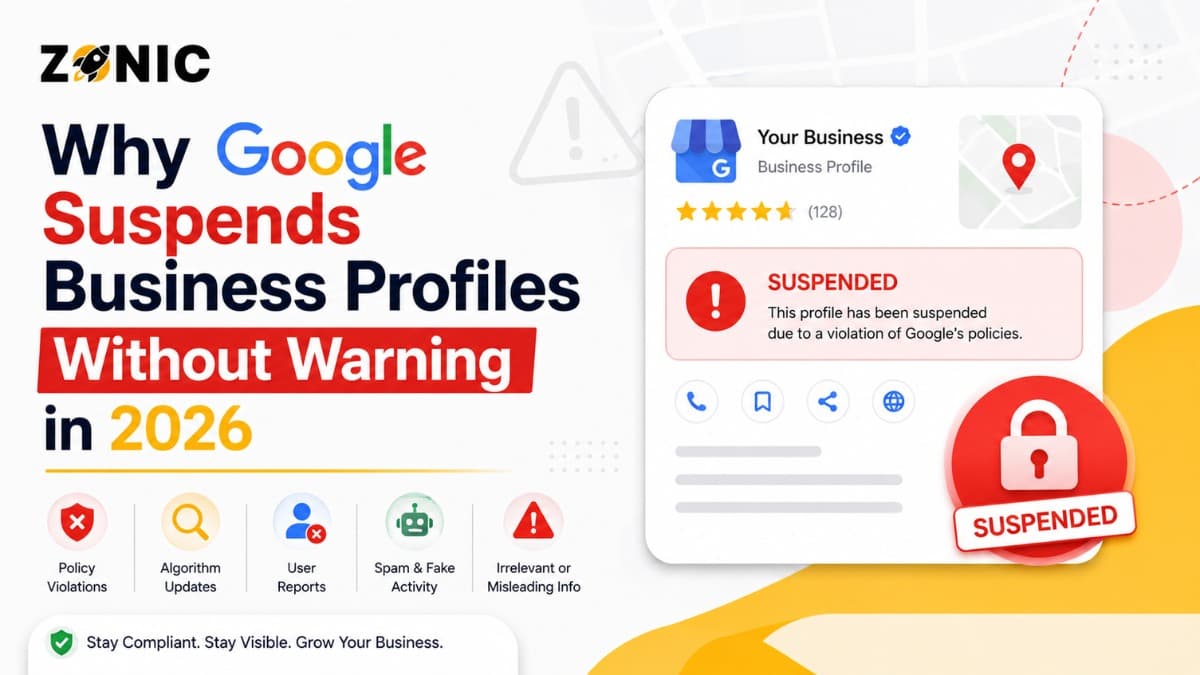
A Google Business Profile can be one of the most important lead sources for a local business. It helps customers find your company on Google Search and Google Maps, read reviews, check your hours, call your team, visit your website, and get directions. For businesses across the USA and competitive markets like NYC, a strong profile can directly support local visibility and customer trust.
But when Google suspends a Business Profile without warning, it can feel sudden and unfair.
One day your profile is live. The next day, it may be suspended, disabled, or removed from public view. Your calls may drop. Your reviews may disappear from public display. Customers may not see your phone number, directions, website link, or business hours.
The truth is that Google does not always give a detailed warning before taking action. Google says it may suspend or disable Business Profiles that do not follow its guidelines, and business owners can appeal if they believe the profile should be reinstated.
In this guide, Zonic explains why Google Business Profiles get suspended without warning in 2026, what usually triggers the issue, what business owners should avoid, and how to handle recovery the right way.
What Does Google Business Profile Suspension Mean?
A Google Business Profile suspension means Google has restricted your profile because it may not follow policy. This section explains what suspension means and why it can affect local visibility quickly.
What Happens When a Profile Is Suspended?
When a Google Business Profile is suspended, the business owner may lose access, the profile may stop showing publicly, or the listing may be restricted in Google Search and Maps.
The exact impact depends on the type of suspension. In some cases, the profile may still appear publicly but the owner cannot manage it. In other cases, the profile may disappear from public search results.
For a business owner, the result can be stressful. Customers may not find your reviews, business phone number, address, service area, photos, or website link.
Why It Feels Like It Happened Without Warning
Many business owners say their profile was suspended without warning because they did not receive a clear explanation before the action happened.
Google’s appeal tool may show the restricted profile, the reason for the moderation action, and a link to the violated policy after the restriction is already applied.
That means the “warning” often comes after the profile is already suspended. This is why business owners feel caught off guard.
Why Google Suspends Profiles Without Warning in 2026
Google suspends profiles without advance notice when its systems or reviewers detect possible policy problems. This section explains why fast action happens and why real businesses can still be affected.
Google Prioritizes Search Quality
Google wants local search results to be useful, accurate, and trustworthy. If a profile looks misleading, fake, duplicated, or inconsistent, Google may restrict it to protect users.
This does not always mean the business is fake. Many legitimate businesses are suspended because their profile information looks risky. A wrong address, keyword-stuffed name, duplicate listing, or service-area mistake can create trust issues.
Google’s Business Profile guidance says businesses should follow the platform’s guidelines before submitting an appeal for a suspended or disabled profile.
Automated Systems Can Flag Profiles Quickly
Google uses automated systems to detect suspicious profile behavior. These systems can flag sudden changes, inconsistent business details, risky categories, or address problems.
Because the process can be automated, the suspension may happen before a business owner has a chance to respond. That is why many owners feel like the decision came without warning.
Local Spam Has Increased
Local search has many spam problems. Fake lead generation listings, keyword-stuffed names, virtual office abuse, fake addresses, and duplicate profiles can hurt users and legitimate businesses.
Because of this, Google may take strict action when a profile looks suspicious. Unfortunately, real businesses can get caught if their information is not clean and consistent.
This is why profile accuracy is so important in 2026.
Common Reasons Google Suspends Business Profiles
Most suspensions happen because Google finds a problem with business name, address, service area, duplicate listings, ownership, category, or profile consistency. This section covers the most common causes.
Keyword Stuffing in the Business Name
Keyword stuffing is one of the most common reasons for a Google Business Profile suspension. This happens when a business adds extra service words, city names, slogans, phone numbers, or promotional phrases to the profile name.
For example, if the real business name is “ABC Roofing,” the Google Business Profile should not say “ABC Roofing Best Roof Repair NYC.” That extra text may look like an attempt to manipulate search rankings.
Incorrect or Risky Address Setup
Address issues are another major suspension trigger. Google expects a business address to represent a real and eligible business location.
Problems can happen when a business uses a P.O. box, remote mailbox, virtual office, coworking space without proper staffing, or residential address incorrectly. If customers do not visit your location, showing the address publicly can create risk.
Service-Area Business Mistakes
Many businesses serve customers at their homes or job sites instead of at a storefront. This includes roofers, plumbers, HVAC companies, cleaners, locksmiths, pest control companies, and other local service providers.
If your business travels to customers and does not receive customers at your business location, your profile setup needs to reflect that. Showing an address publicly when customers do not visit can make the listing look misleading.
Duplicate Business Profiles
Duplicate profiles can confuse Google and customers. If more than one profile exists for the same business at the same location, Google may restrict one or more listings.
Duplicates often happen when a former agency, employee, business partner, or previous owner created a profile in the past. Some business owners also create a new profile after the original one is suspended, but this can make the issue worse.
Suspicious Profile Edits
Changing important profile details too often can create suspicion. This includes frequent edits to the business name, address, phone number, website, category, or service area.
A business owner may make these changes with good intentions, but Google may see repeated major edits as unusual behavior.
Why Google May Not Send a Warning First
Google may act before warning a business owner because profile restrictions are often tied to policy enforcement and user protection. This section explains why businesses may not get advance notice.
Google May Already See the Profile as Non-Compliant
If Google’s system finds a clear policy issue, it may suspend the profile instead of sending a warning first. From Google’s side, the profile may already appear risky.
This can happen when the profile name contains extra keywords, the address looks ineligible, the business category does not match, or duplicate listings are present.
A business owner may see the issue as small, but Google may treat it as a trust problem.
Suspensions Can Be Triggered by Reviews or Reports
Google may review a profile after user reports, competitor reports, suggested edits, or system flags. If the review finds a possible policy issue, the profile may be restricted.
This does not mean every report leads to suspension. It means reports can trigger a closer review.
The best protection is not to rely on hoping nobody reports the profile. The best protection is to keep the profile clean, accurate, and fully compliant.
Google Expects Businesses to Follow Guidelines
Google expects business owners to understand and follow Business Profile guidelines. Because of this, the platform may not always give a warning before enforcing a rule.
This is frustrating for business owners, but it is why regular profile audits matter.
If your profile is important to your lead flow, you should not wait for a warning to check compliance.
Signs Your Profile May Be at Risk
Many businesses miss early warning signs before suspension happens. This section explains what profile issues may indicate higher risk before Google takes action.
Profile Details Do Not Match Your Website
If your Google Business Profile shows one business name and your website shows another, that can create trust problems.
The same applies to address, phone number, hours, and service area. Inconsistent information makes it harder for Google to understand what is accurate.
Your website, business documents, and Google Business Profile should all tell the same story.
Your Address Setup Looks Unclear
If your profile shows an address but customers do not visit that location, your setup may be risky.
This is especially important for service-area businesses. If you operate from a private location, home office, or non-customer-facing location, showing the address publicly may create suspension risk.
You Have Old or Duplicate Listings
Old profiles can create problems even if you are not actively using them. A duplicate profile under an old email or agency account can confuse Google.
If you suspect duplicate listings, do not create more profiles. Review the existing listings and handle them carefully.
What to Do If Your Profile Is Suspended Without Warning
A sudden suspension can feel urgent, but panic can make the situation worse. This section explains the correct first steps before submitting an appeal.
Do Not Make Random Changes
When a profile is suspended, many business owners start changing details quickly. This can make the situation worse.
Before editing anything, review the likely reason. Look at the business name, address, category, service area, website, phone number, and duplicate listings.
Google’s appeal tool can show the restricted profile, the moderation reason, and a link to the violated policy.
Review These Key Areas First
Before submitting an appeal, check the main profile details carefully:
Business name accuracy
Address eligibility
Service-area setup
Primary business category
Website consistency
Phone number consistency
Duplicate profiles
Recent major edits
Ownership access
Business documents
This is the first bullet-point section. These checks help you understand the possible cause before sending an appeal.
Prepare Evidence Before Appealing
Do not submit an appeal without supporting evidence if your case needs proof. Google allows users to add evidence during the appeal process, and if the evidence form is opened, the evidence must be submitted within the required time window.
Useful evidence may include:
Business registration
Business license
Utility bill
Lease agreement
Tax document
Insurance document
Storefront photos
Permanent signage photos
Branded vehicle photos
Website screenshots
This is the second and final bullet-point section. Make sure the evidence matches the business name and address connected to the profile.
Mistakes That Can Make Suspension Worse
Many business owners hurt their recovery chances by rushing the process. This section explains what to avoid after a sudden suspension.
Creating a New Profile Immediately
Creating a new Google Business Profile after suspension is usually not the safest move. It can create duplicate listing problems and make the original case harder to fix.
Google may connect the new listing with the suspended one. Instead of solving the issue, this can create more confusion.
The better approach is to fix the original profile first.
Appealing Before Fixing the Problem
Submitting an appeal before correcting the issue can lead to rejection. Google tells users to make sure the profile follows guidelines before submitting an appeal.
If the same problem is still present, the appeal may not succeed.
Audit first. Fix second. Appeal third.
Using Weak or Mismatched Documents
Documents should support the profile being appealed. If the profile shows one business name but the documents show another, Google may not trust the evidence.
The same applies to address mismatches. Your profile, documents, and website should be aligned before appeal.
How to Prevent Future Suspensions
Prevention is better than reinstatement. This section explains how business owners can reduce suspension risk by keeping their Google Business Profile accurate and consistent.
Keep the Business Name Clean
Use your real business name only. Do not add extra keywords, city names, phone numbers, service lists, or promotional phrases unless they are part of your actual business name.
This is one of the simplest ways to lower suspension risk.
Keep Address and Service Area Accurate
If customers visit your location, make sure the address is real, staffed, and supported by business proof.
If your business travels to customers, make sure the service-area setup reflects how your business actually operates.
A clean address setup is especially important for home service businesses in NYC and across the USA.
Keep Online Information Consistent
Your Google Business Profile, website, social profiles, citations, directory listings, and documents should show the same core information.
This includes business name, address, phone number, website, and primary services.
Consistency helps Google and customers trust your business.
How Zonic Helps With Google Business Profile Suspensions
Zonic helps businesses across the USA and NYC review suspended profiles, identify likely issues, prepare evidence, submit stronger appeals, and reduce future suspension risk.
Suspension Diagnosis
Zonic reviews your Google Business Profile, website, address setup, service area, business category, duplicate listings, and online consistency.
The goal is to identify why the profile may have been suspended before taking action.
Evidence and Appeal Support
Zonic helps organize supporting documents and write a clear appeal explanation. A strong appeal should be factual, professional, and supported by evidence.
This can be especially helpful when the suspension happened without warning and the business owner is unsure what went wrong.
Long-Term Profile Protection
After recovery, Zonic can help clean up duplicate listing issues, improve NAP consistency, correct risky profile details, and build a safer local SEO foundation.
This helps reduce the chance of future Google Business Profile suspension problems.
Conclusion
Google Business Profile suspensions can happen without warning because Google is focused on protecting search quality and enforcing profile guidelines. Sometimes the issue is obvious, such as keyword stuffing or duplicate listings. Other times, a real business may be suspended because of inconsistent details, address confusion, or service-area mistakes.
The best response is not to panic. Review the profile carefully, find the likely issue, fix what needs to be corrected, gather strong evidence, and then submit the appeal.
If your profile was suspended without warning and you are not sure what caused it, Zonic can help.
Call Zonic Media today at (302) 726-9736 or visit us at 8 The Green, STE B Dover, Kent, DE 19901 United States for Google Business Profile suspension support across the USA and NYC.