A Google Business Profile is one of the most important local marketing assets a business can own in 2026. It can help customers find your company on Google Search and Google Maps, call your team, visit your website, check reviews, see photos, request directions, and decide whether they trust you. But simply having a profile is not enough.
Many businesses have incomplete profiles, weak categories, old photos, poor review activity, messy service areas, outdated phone numbers, duplicate listings, or website information that does not match. Those small issues can reduce calls, lower customer trust, and make your business look less active than nearby competitors. That is why a clear Google Business Profile optimization checklist for 2026 matters.
Optimization is not about tricking Google. It is about making your business easier to understand, easier to trust, and easier to contact. The best profiles are accurate, complete, active, and supported by real proof across the web.
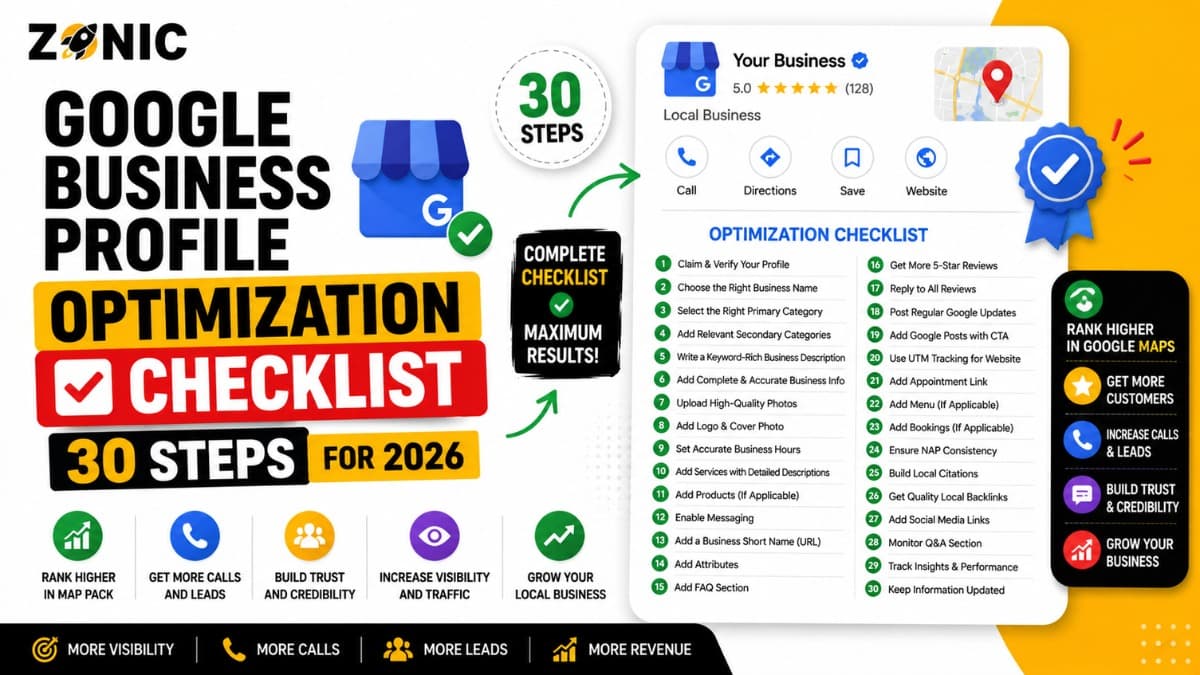
This guide gives you 30 practical GBP optimization steps for 2026. Use it to clean up your profile, improve local visibility, strengthen trust signals, and turn more Google views into real leads.
Why GBP Optimization Still Matters in 2026
Google Business Profile optimization helps Google understand your business and helps customers choose you faster. A complete, accurate profile can support local rankings, calls, visits, and lead generation.
Google Uses Your Profile to Understand Your Business
Your profile tells Google what your business does, where it operates, when it is open, how customers can contact you, and what services you offer.
If the profile is incomplete or inconsistent, Google has less confidence in the listing.
That can hurt visibility, especially in competitive industries like roofing, plumbing, HVAC, legal services, dentistry, med spas, remodeling, cleaning, pest control, and emergency services.
Customers Judge Your Business From the Profile
Many customers decide whether to call before visiting your website. They look at reviews, photos, hours, services, location, and response activity.
A weak profile can make a real business look inactive. A strong profile can build trust quickly.
Step 1: Claim and Verify the Profile
The first step is making sure the correct business owner controls the profile. Without proper access, you cannot safely manage details, respond to reviews, add photos, or fix errors.
Confirm the Right Account Has Access
Use a business-owned Google account, not a random personal account from an old employee or agency.
If the wrong person controls the profile, future updates, appeals, and verification steps can become harder.
Step 2: Use the Real Business Name
Your Google Business Profile name should match the real-world business name customers know.
Avoid Extra Keywords
Do not add city names, service keywords, taglines, phone numbers, or promotional phrases unless they are truly part of your real business name.
A clean name is safer and easier to defend than a keyword-stuffed name.
Step 3: Choose the Best Primary Category
The primary category tells Google what your business mainly is. This is one of the most important profile fields.
Match the Core Service
A roofing company should use a roofing-related category. A dentist should use the most accurate dental category. A lawyer should choose the right legal category.
Do not copy competitors blindly. Choose what truly fits your business.
Step 4: Add Accurate Secondary Categories
Secondary categories help Google understand related services. They should support your real business, not stretch into unrelated areas.
Keep Categories Relevant
Only add categories for services you actually provide. Too many unrelated categories can make the profile look unfocused.
Accuracy matters more than volume.
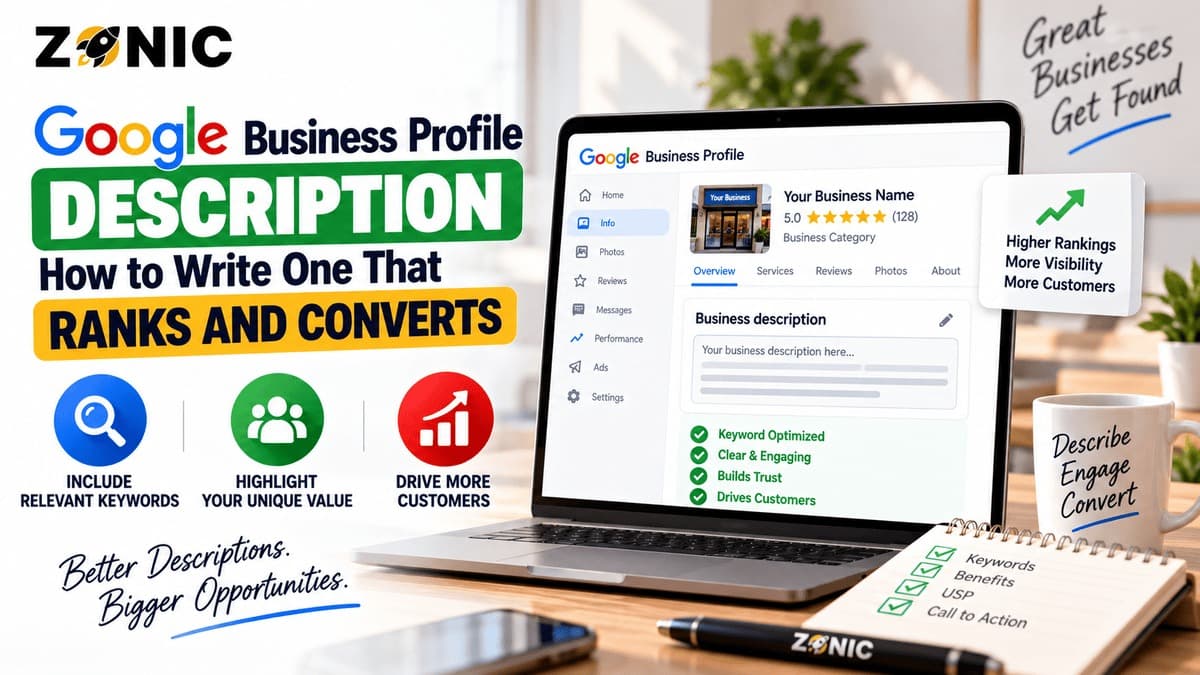
Step 5: Write a Clear Business Description
Your description should explain what the business does, who it serves, and what makes it useful to customers.
Keep It Natural
Do not stuff keywords into every sentence. Write like a real business owner talking to a customer.
Mention your main services, service area, experience, and customer value naturally.
Step 6: Add Complete Contact Details
Your phone number, website, address or service area, and hours should be correct. These details directly affect customer actions.
Make Calling Easy
Use a phone number that reaches the business quickly. If customers cannot reach you, Google visibility will not turn into leads.
Also make sure the same number appears on your website.
Step 7: Set Accurate Business Hours
Hours should match when customers can actually reach or visit you. Wrong hours create frustration and lost leads.
Update Special Hours
Add holiday hours and seasonal changes when needed.
This is especially important for emergency services, medical offices, restaurants, retail stores, and appointment-based businesses.
Step 8: Fix Address or Service-Area Setup
Your address setup must match how your business really operates. Storefronts and service-area businesses need different profile setups.
Show the Address Only When Customers Visit
If customers visit your location, the address should be accurate and supported by proof. If you travel to customers and they do not visit your address, use a proper service-area setup.
This protects trust and reduces suspension risk.
Step 9: Keep Service Areas Realistic
Service areas should show where the business actually serves customers. They should not be a random list of every city you want to rank in.
Match Real Coverage
A small local company should not claim a huge region it cannot realistically serve.
Your service areas should match your website, team capacity, and actual customer base.
Step 10: Add Real Services
Services help customers and Google understand what you offer. They can also support relevance for service-based searches.
List Your Core Offers
Add important services such as repair, replacement, inspection, installation, consultation, maintenance, emergency service, or treatment options depending on your business.
Keep each service clear and real.
Step 11: Use Service Descriptions Where Available
Some profiles allow service descriptions. These can help explain what each service includes.
Write for Customers First
Do not overuse keywords. Explain the service in simple terms.
A good service description helps customers understand whether they need that service.
Step 12: Add Products When They Fit
Some businesses can use product sections to show items, packages, treatments, menu items, or service bundles.
Keep Product Listings Useful
Use real product names, clear descriptions, and accurate details. Avoid adding random items just to fill space.
Products should help customers make decisions.
Step 13: Upload Real Business Photos
Photos help customers trust the business before they call or visit. Real photos are better than stock images.
Show Real Proof
Use photos of your team, storefront, vehicles, equipment, finished work, office, products, treatment rooms, or customer-facing areas.
Fresh photos show that the business is active.
Step 14: Add Exterior and Interior Photos
For storefronts, exterior and interior photos help customers recognize the location and feel comfortable visiting.
Show What Customers Will See
Include the entrance, signage, reception area, showroom, office, dining area, treatment room, or retail space when relevant.
This improves confidence and reduces confusion.
Step 15: Add Team and Work Photos
Customers like to know who they are contacting. Team and work photos can make the business feel more human.
Build Trust Visually
Show employees, crews, equipment, completed projects, uniforms, service vehicles, and real work environments.
Avoid overly staged images that do not reflect the actual business.
Step 16: Create a Review Request Process
Reviews are one of the strongest trust signals on a Google Business Profile. A business should have a simple process for requesting honest feedback.
Ask at the Right Time
Ask after a completed job, visit, appointment, purchase, or successful customer interaction.
Do not offer rewards for reviews. Keep the request honest and simple.
Step 17: Respond to Every Review
Review responses show customers that the business is active and cares about feedback.
Keep Responses Natural
Thank happy customers. Respond calmly to negative reviews. Mention the service naturally when it fits.
Avoid copying the same reply every time.
Step 18: Handle Negative Reviews Professionally
Negative reviews can hurt, but a professional response can protect trust.
Stay Calm and Helpful
Do not argue publicly. Acknowledge the concern, explain that you want to resolve it, and invite the customer to contact your team.
Future customers read your response as much as the review.
Step 19: Add Google Posts Regularly
Google Posts can highlight services, offers, updates, events, announcements, and seasonal messages.
Use Posts to Support Action
Post about inspections, appointments, promotions, emergency services, new services, seasonal reminders, or helpful updates.
Do not post only for keywords. Make the update useful.
Step 20: Add Appointment or Booking Links
If customers can book online, add the correct appointment link. This can reduce friction and increase leads.
Keep the Path Simple
Send users to a clear booking page, not a confusing homepage.
The fewer steps it takes to contact you, the better.
Step 21: Check Messaging Options
Some businesses can allow customers to message directly from the profile. This can help when your team responds quickly.
Use Messaging Only If You Can Reply
Do not turn on messaging and ignore customers. Slow replies can create a poor experience.
If you use messaging, assign someone to monitor it.
Step 22: Keep Website Details Consistent
Your website should match the Google Business Profile. This includes name, address, phone, services, hours, and service areas.
Remove Conflicting Information
If your website shows an old phone number or address, fix it.
Google and customers both need consistent information.
Step 23: Build Strong Service Pages
Your website should have useful pages for your main services. This supports both SEO and customer conversion.
Avoid One Thin Services Page
Important services deserve their own pages. Each page should explain the problem, service process, benefits, trust factors, and next step.
Better service pages can support better local visibility.
Step 24: Build Local Location Pages
Location pages help when your business serves multiple real areas. They should be specific and useful.
Avoid City Name Swaps
Do not copy the same page and only change the city name.
Add real local details, service needs, property types, customer concerns, and relevant examples.
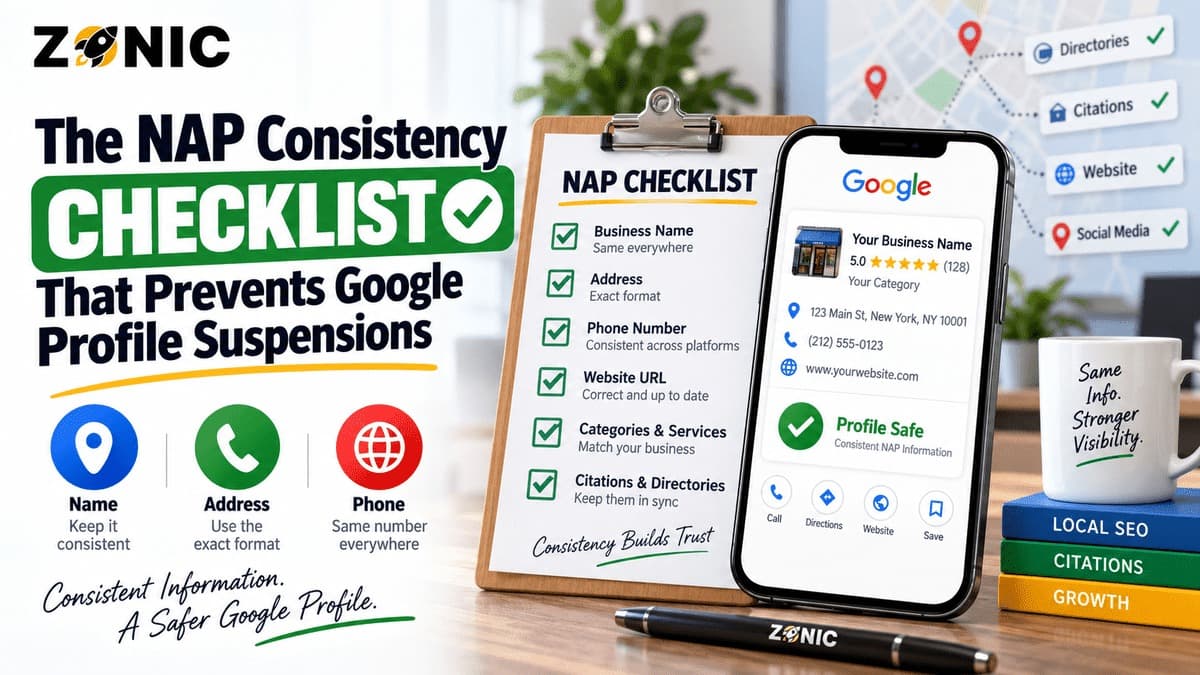
Step 25: Clean Up Citations
Citations are business mentions across directories, local platforms, and industry sites. They should match your current business information.
Fix Old NAP Details
NAP means name, address, and phone number. Old or inconsistent NAP details can confuse customers and search engines.
Clean up major directories and trusted local sources first.
Step 26: Remove or Resolve Duplicate Listings
Duplicate Google Business Profiles can split trust and create suspension risk.
Search for Old Profiles
Look for old profiles created by previous agencies, former employees, old addresses, or past ownership.
Resolve duplicates carefully before they create bigger problems.
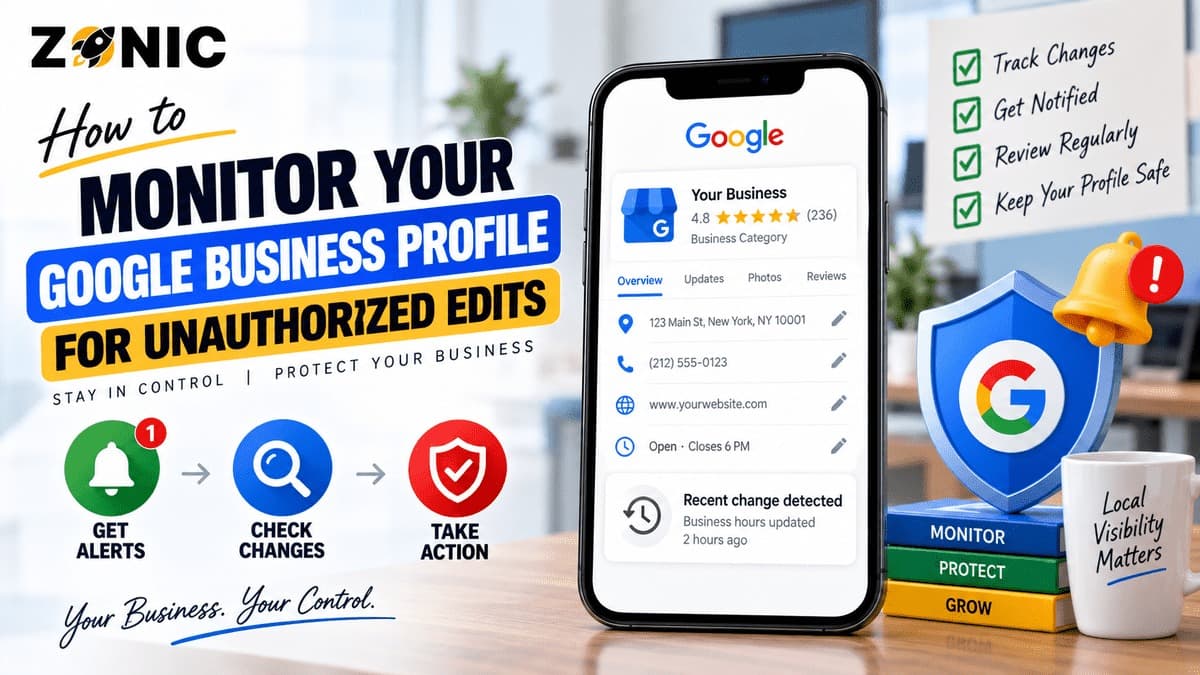
Step 27: Monitor Suggested Edits
Google and users may suggest edits to your profile. Some edits may be helpful, but others may be wrong.
Check the Profile Often
Review your business name, hours, phone number, website, address, and categories regularly.
Small unwanted changes can affect leads.
Step 28: Track Calls and Website Clicks
Optimization should lead to measurable action. Track calls, website clicks, direction requests, bookings, and form submissions.
Focus on Leads, Not Just Views
Profile views are useful, but leads matter more. Measure how many calls, appointments, estimate requests, and sales opportunities come from Google.
This helps you improve what actually drives revenue.
Step 29: Review Performance by Service and Location
Not every service or city performs the same. Tracking helps you understand where growth is coming from.
Improve What Converts
If one service brings strong calls, build better pages and photos around it. If one location performs poorly, review competition, content, reviews, and proximity.
Use data to guide updates.
Step 30: Keep the Profile Active and Accurate
GBP optimization is not a one-time task. A strong profile needs regular updates, review responses, photos, service checks, and information audits.
Build a Monthly GBP Routine
Once a month, check profile details, reviews, photos, posts, services, citations, website consistency, and lead performance.
Small ongoing improvements protect long-term visibility.
GBP Optimization Checklist Table for 2026
Use this table as a quick working checklist after reading the full guide.
Area | What to Check | Why It Matters |
Business Name | Real name only | Reduces suspension risk |
Category | Accurate primary category | Improves relevance |
Services | Real services listed | Helps match searches |
Address | Correct visibility setup | Protects trust |
Photos | Real updated images | Builds confidence |
Reviews | Request and respond | Improves trust |
Website | Matching NAP and services | Supports ranking and leads |
Citations | Accurate listings | Reduces confusion |
Duplicates | Old profiles resolved | Protects profile health |
Tracking | Calls and forms measured | Shows real lead growth |
Common GBP Optimization Mistakes to Avoid
Many businesses hurt their local visibility by trying shortcuts or ignoring basic details. A clean profile is safer and stronger than a risky one.
Avoid these mistakes:
Adding keywords to the business name
Choosing unrelated categories
Showing an address customers do not visit
Using a virtual office without real proof
Leaving old phone numbers online
Ignoring negative reviews
Uploading only stock photos
Creating duplicate profiles
Using thin location pages
Tracking views but not leads
This is the first bullet section. Fixing these issues can improve trust before you chase advanced tactics.
Simple Monthly GBP Maintenance Plan
A monthly routine helps keep your profile accurate, active, and ready to bring leads from Google.
Follow this plan:
Check business name, hours, phone, website, and address
Review categories and services
Add fresh photos
Respond to new reviews
Publish a useful update
Check suggested edits
Review calls and website clicks
Check citations for errors
Look for duplicate profiles
Update service or location pages when needed
This is the second and final bullet section. Consistency is what keeps optimization from becoming outdated.
How Zonic Helps With Google Business Profile Optimization
Zonic helps businesses improve Google Business Profile visibility, safety, and lead generation with a practical local SEO process.
Profile Audit and Cleanup
Zonic reviews your profile name, categories, services, address setup, service area, photos, reviews, website link, duplicate listings, and overall profile health.
The goal is to find weak points that may reduce visibility or create risk.
Local SEO and Content Support
Zonic helps align your Google Business Profile with your website, service pages, location pages, citations, and local content.
This gives Google and customers a clearer picture of your business.
Lead Tracking and Growth
Zonic helps businesses focus on real outcomes like calls, form submissions, appointments, estimate requests, and booked jobs.
Optimization should not stop at visibility. It should support business growth.
Conclusion
A strong Google Business Profile can help your business appear in local searches, build trust, and generate more leads in 2026. But it needs more than a basic setup.
Use this Google Business Profile Optimization Checklist 2026 to review every important part of your profile. Start with the business name, category, contact details, address setup, services, photos, reviews, website, citations, duplicate listings, and tracking.
The best GBP optimization is accurate, complete, active, and supported by real business proof.
If you need help applying these GBP optimization steps, Zonic can help you clean up your profile, improve local SEO, and turn Google visibility into more calls and leads.
Call Zonic Media today at (302) 726-9736 or visit us at 8 The Green, STE B Dover, Kent, DE 19901 United States for Google Business Profile optimization and local SEO support across the USA and NYC.
Frequently Asked Questions
What is a Google Business Profile optimization checklist?
A Google Business Profile optimization checklist is a step-by-step list used to improve your profile’s accuracy, completeness, visibility, trust, and lead generation. It covers categories, services, reviews, photos, contact details, website consistency, citations, and tracking.
Why is GBP optimization important in 2026?
GBP optimization is important because customers use Google Search and Google Maps to find local businesses quickly. A complete and trusted profile can help improve visibility, calls, website visits, reviews, and customer actions.
What are the most important GBP optimization steps?
The most important steps include using the real business name, choosing the right category, adding accurate services, setting correct hours, using real photos, asking for honest reviews, responding to reviews, keeping NAP consistent, and tracking leads.
How often should I update my Google Business Profile?
You should review your Google Business Profile at least once a month. Check your hours, services, photos, reviews, suggested edits, contact information, service areas, and lead performance.
Do Google reviews help GBP optimization?
Yes. Reviews help customers trust your business and can support local visibility. Real, recent, and detailed reviews are more useful than old or generic feedback.