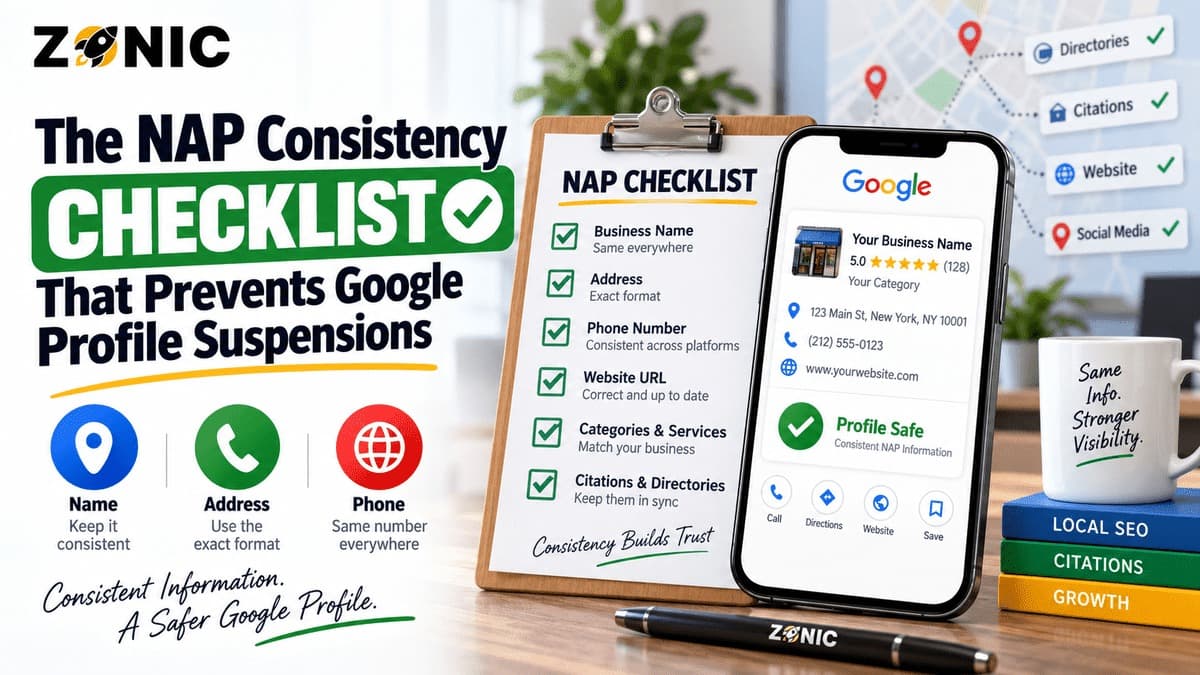
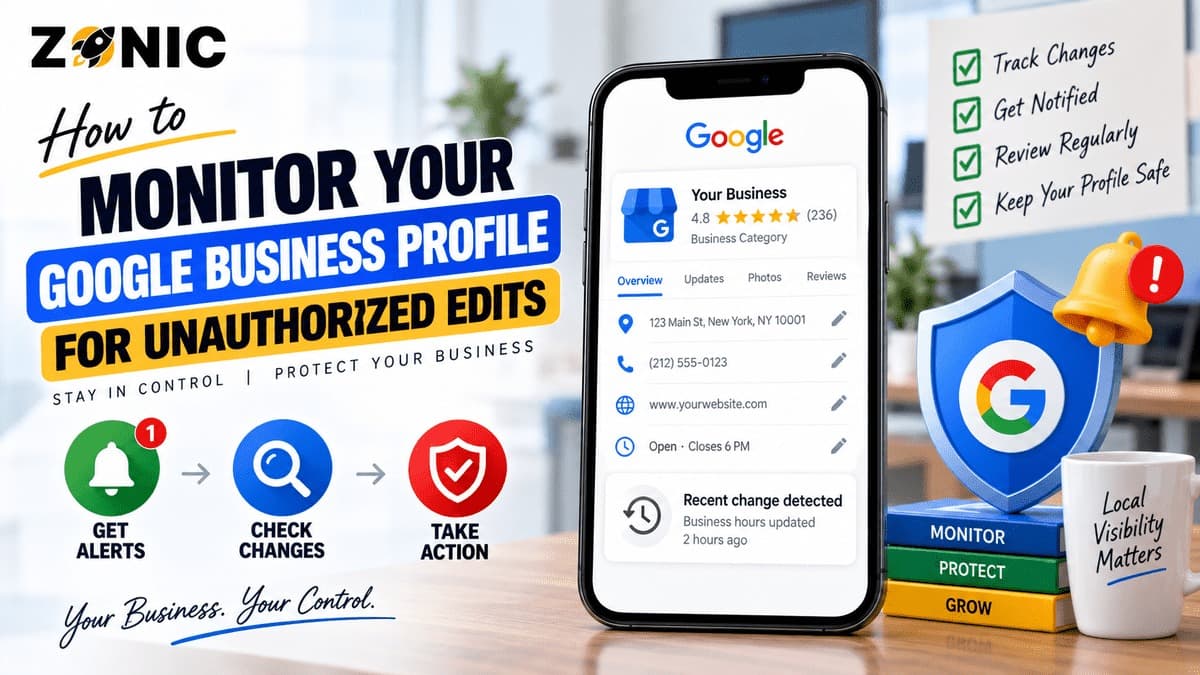
A Google Business Profile is not something you can set once and forget. Even after verification, your profile can change over time. Hours may shift. Services may appear differently. Photos may be added. A phone number may look wrong. A category may change. A business description may not reflect what you actually offer.
Sometimes these updates come from the business owner or manager. Sometimes they come from Google’s systems, third-party sources, user suggestions, licensed content, or people who still have access to the profile.
That is why every local business should know how to monitor GBP edits.
Unauthorized Google Business Profile changes can create real problems. A wrong phone number can cost calls. Wrong hours can frustrate customers. A wrong category can hurt local relevance. A public address can create risk for a service-area business. A changed website link can send leads to the wrong place. A suspicious manager account can create ownership problems.
For businesses that depend on local search, profile monitoring is part of risk prevention.
This guide explains how unauthorized edits happen, what parts of your profile need regular review, how to set up a monitoring routine, and what to do when something changes without your approval.
Why Google Business Profile Edits Can Happen Without You Making Them
Many business owners assume that once they verify a Google Business Profile, nobody else can affect the listing. That is not always how the system works.
Google can use information from different sources to keep profiles updated. This may include user reports, publicly available information, licensed content, and other signals Google uses to decide whether profile information may be incorrect or outdated.
Customers can also suggest edits on Google Maps. A user may suggest a change to hours, name, category, address, phone number, website, or whether a place is open or closed. Some suggestions may be helpful. Others may be wrong, careless, outdated, or harmful.
This is why monitoring matters.
A profile owner should not assume every visible detail is still correct just because the profile was correct last month.
Some Edits Are Not Malicious
Not every unauthorized change is an attack. A customer may suggest holiday hours because they visited when the business was closed. Google may pull information from another website. A data source may still show an old phone number. A former vendor may update something by mistake.
But the result can still hurt the business.
Whether the change was malicious, accidental, or automated, the business needs to catch it quickly.
What Counts as an Unauthorized GBP Edit?
An unauthorized edit is any profile change that was not intentionally made by the business owner or trusted manager. It may be visible on the live profile, pending inside the profile dashboard, or shown as a Google update.
The change may affect basic business information, customer-facing details, or conversion paths.
Common examples include a changed business name, wrong phone number, wrong website URL, incorrect hours, new holiday hours, changed category, modified services, added photos, removed address visibility, incorrect service areas, or changes that mark the business as closed.
For service-area businesses, address changes are especially sensitive. A profile that suddenly shows a private home address can create privacy and compliance problems. A profile that changes service areas can affect how customers understand the business.
For storefront businesses, wrong address or hours can cost visits and calls.
Small Changes Can Have Big Effects
A small profile edit can create a large business problem. If a restaurant’s hours are wrong, customers may arrive when the business is closed. If a plumber’s phone number is wrong, emergency calls may go elsewhere. If a law firm’s website link changes, potential clients may not reach the correct intake page.
The goal is to catch these changes before they affect leads, trust, or profile safety.
Start by Reviewing Profile Access
The first step in monitoring unauthorized edits is checking who can manage the profile. Many businesses forget that old agencies, former employees, previous owners, freelancers, assistants, or vendors may still have access.
That creates risk because anyone with the right permissions may be able to make changes.
Open your Business Profile settings and review owners and managers. Confirm who has access, what role they have, and whether they still need that access.
Remove people who no longer work with the business. Do not leave old marketing agencies connected if the relationship ended. Do not keep previous employees as managers. Do not allow unknown accounts to remain.
Use Separate Manager Access Instead of Shared Passwords
Each person who manages the profile should use their own Google Account. Do not share one login across multiple people. Shared passwords make it harder to know who changed what.
Google recommends using profile ownership and manager access instead of sharing passwords. This helps protect the profile and keeps responsibility clearer.
The business owner should keep primary ownership. Agencies and staff members should only have the level of access they need.
Access control is the easiest place to reduce unauthorized changes.
Turn On Business Profile Notifications
Notifications can help you catch profile changes faster. Google allows Business Profile notifications for account updates and profile-related changes, depending on your settings and where you manage the profile.
These alerts may appear through email, Search, Maps, or account notifications. They can help you notice when Google needs attention, when profile information changes, or when something important happens.
Notifications should not be your only monitoring method, but they are useful.
If notifications are turned off or ignored, changes can sit unnoticed for days or weeks.
Check Notifications for Every Owner and Manager
Make sure the main owner account receives profile notifications. If an agency manages the profile, the business should still keep notifications active on the owner side.
This matters because agencies change, employees leave, and inboxes get missed.
A business should not rely on one person’s email to protect the profile.
If multiple locations are involved, assign clear responsibility for who checks notifications and who approves changes.
Review the Main Profile Fields Weekly
A weekly profile review can prevent small edits from becoming serious problems. It does not need to take long, but it should be consistent.
Start with the most important fields: business name, primary category, address, service areas, phone number, website, hours, appointment link, services, photos, and business status.
These fields affect customer trust and local visibility.
For example, a business name change can create guideline risk. A wrong category can weaken relevance. A wrong phone number can cost leads. A wrong website can send customers to the wrong page. Wrong hours can create bad reviews.
Compare the Profile Against Your Website
Do not review the Google profile in isolation. Compare it with your website header, footer, contact page, location page, service pages, appointment page, and major directories.
The details should match.
If Google shows one phone number and your website shows another, figure out why. If Google shows one category and your website promotes a different core service, review the setup. If your profile says open 24 hours but your website does not, clarify the real availability.
Monitoring is not only about catching outside edits. It is also about keeping the whole local footprint consistent.
Watch Google Updates Inside the Profile
Google may show updates or suggestions inside the Business Profile interface. These updates can involve information that Google believes may be more accurate or current.
When you see a Google update, review it carefully.
Some updates may be correct. For example, Google may detect a holiday schedule, a changed website detail, or a closed location. Other updates may be wrong because the source was outdated, user-submitted, or confused with another business.
Do not accept or reject updates without checking.
A rejected update may come back if the rest of the web continues to show conflicting information. That is why you need to fix the source of the conflict, not just the visible change.
Find the Source of Repeated Wrong Changes
If the same wrong edit keeps returning, search for that incorrect detail online. Look for old citations, old websites, old directories, social profiles, delivery platforms, appointment platforms, industry listings, and duplicate profiles.
Google may be seeing the wrong information somewhere else.
For example, if an old phone number keeps appearing, it may still be listed on directories. If old hours keep returning, a third-party platform may show them. If an old address keeps reappearing, there may be an old duplicate listing.
Fixing the source can help reduce repeated profile corrections.
Monitor Photos, Services, and Business Status
Unauthorized edits are not limited to the name, address, and phone number. Photos, services, products, menu items, attributes, and business status can also change or become messy.
Check photos regularly. Remove anything that is irrelevant, inappropriate, low quality, misleading, or not connected to the business. Customer-uploaded photos can be useful, but they can also be outdated or unhelpful.
Check services and products. Make sure they reflect what the business actually offers. Remove services that are inaccurate or no longer available.
Check business status. Make sure the profile is not marked temporarily closed, permanently closed, duplicate, or moved unless that is accurate.
Protect Sensitive Industries More Carefully
Some industries need extra monitoring because profile mistakes can create higher trust or privacy concerns.
Medical practices should watch for wrong provider details, patient-sensitive photos, incorrect hours, and duplicate practitioner listings. Law firms should monitor attorney profiles, office addresses, suite numbers, and practice-area accuracy. Home service businesses should monitor address visibility and service-area changes.
Restaurants should watch menu links, food photos, hours, and delivery platform details. Auto repair shops should monitor address, phone, services, and old ownership conflicts.
The more a business depends on local trust, the more closely it should monitor the profile.
Keep a Change Log for Important GBP Updates
A change log helps you understand what happened and when. This is especially useful when several people manage the same profile or when you work with an agency.
The log can be simple. Record the date, field changed, old value, new value, who made the change, reason for the change, and whether supporting proof was updated.
This helps prevent confusion later.
If the profile is suspended, restricted, or reviewed, the change log can also help identify what triggered the issue. A sudden name change, category change, address update, or website switch may explain why Google flagged the profile.
Save Screenshots Before Major Edits
Before changing sensitive fields, take screenshots of the current profile and save evidence that supports the new details.
Sensitive fields include business name, address, phone number, website, category, service area, and hours.
This does not guarantee that Google will approve every edit, but it gives the business a clearer record.
A profile without records is harder to troubleshoot.
Set a Monitoring Schedule by Business Type
Not every business needs the same monitoring frequency. A single-location office may need a weekly check. A multi-location business may need a more organized process. A service-area business in a spam-heavy market may need closer review.
Business Type | Suggested Monitoring Frequency | What to Watch Closely |
Single-location storefront | Weekly | Hours, address, phone, website, category, photos |
Service-area business | Weekly | Address visibility, service areas, phone, category, duplicate listings |
Medical practice | Weekly | Practitioner profiles, hours, provider details, photos, appointment links |
Law firm | Weekly | Attorney profiles, suite details, practice categories, phone, website |
Restaurant | 2 to 3 times monthly | Hours, menu links, photos, delivery links, business status |
Multi-location business | Weekly per location | NAP, categories, managers, duplicate listings, location status |
High-risk suspended profile | 2 to 3 times weekly after recovery | Name, address, category, phone, managers, Google updates |
This schedule is a practical starting point. Businesses with recent suspensions, frequent edits, or strong local competition may need closer monitoring.
What to Do When You Find an Unauthorized Change
When you find an unauthorized change, do not panic. First, confirm whether the change is actually live, pending, or only suggested.
Take screenshots. Record the old value and new value. Check whether any owner or manager made the change. Review notifications. Look for Google updates. Search online for the incorrect detail if it keeps returning.
Then correct the profile carefully.
If the change affects a sensitive field, make sure your website and evidence support the correct information before editing. If the wrong detail came from an old citation or duplicate listing, fix that source too.
Avoid Making Too Many Edits at Once
If several things are wrong, it may be tempting to change everything immediately. Be careful with major fields.
Fix urgent customer-facing errors first, such as wrong phone number, wrong hours, wrong website, or wrong business status. Then review deeper issues like categories, service areas, citations, duplicates, and access.
Too many major edits at once can make the profile look unstable.
A controlled correction process is safer than random editing.
How Unauthorized Edits Can Lead to Suspension Risk
Unauthorized changes do not always cause suspension, but they can increase risk when they make the profile look inaccurate or misleading.
A changed business name may look keyword-stuffed. A wrong address may make the profile look fake. A public home address may create service-area issues. A wrong category may make the profile look unrelated. A duplicate profile may confuse ownership.
If the profile is later reviewed, those inconsistencies can become a problem.
This is why monitoring GBP edits is part of suspension prevention. A business that catches and corrects issues early is easier to verify and defend.
A profile that sits with wrong information for months can become harder to clean up.
GBP Edit Monitoring Checklist
Use this checklist during your weekly profile review:
Check business name for unwanted keywords or spelling changes
Confirm the primary category is still accurate
Review secondary categories for unrelated additions
Check address visibility and service-area setup
Confirm phone number and website link
Review business hours and holiday hours
Check appointment, booking, menu, or service links
Review services, products, attributes, and description
Check photos for irrelevant or inappropriate uploads
Confirm business status is not incorrectly marked closed
Review owners and managers
Check notifications and Google updates
Search for duplicate profiles or repeated wrong data
Record major changes in a simple change log
This checklist helps protect the profile from avoidable errors and repeated wrong updates.
How Zonic Helps Businesses Monitor GBP Changes
Zonic helps businesses monitor and protect Google Business Profiles from risky changes, incorrect updates, duplicate issues, and suspension-related problems.
The process starts with a profile audit. Zonic reviews business name, category, address setup, service areas, phone number, website, hours, photos, services, products, attributes, business status, manager access, and Google updates.
Then Zonic checks whether the profile matches the website, citations, directories, social profiles, and business documents. This helps identify why wrong changes may keep returning.
For businesses that recently recovered from suspension, Zonic can help build a safer monitoring routine. That includes change tracking, access cleanup, duplicate review, evidence organization, and careful handling of sensitive edits.
The goal is not just to fix one unauthorized edit. The goal is to keep the profile accurate, stable, and easier to trust.
Conclusion
Unauthorized Google Business Profile changes can affect calls, bookings, visits, directions, rankings, and customer trust. A wrong phone number, wrong hours, wrong category, wrong website, or unexpected address change can create real business problems.
The safest approach is regular monitoring.
Check your profile weekly. Keep notifications on. Review Google updates. Watch access permissions. Compare the profile against your website and major listings. Save a change log. Fix the source of repeated wrong information. Be careful with major edits.
A Google Business Profile should reflect the real business clearly and consistently. The more stable and accurate it is, the easier it is for customers and Google to trust.
If you are unsure whether unauthorized changes are putting your profile at risk, you can reach out to Zonic for a Google Business Profile monitoring and protection review.
Call Zonic Media at (302) 726-9736 or visit 8 The Green, Suite B, Dover, DE 19901 to request help monitoring GBP edits and preventing unauthorized Google Busin
Frequently Asked Questions
Can someone else edit my Google Business Profile?
People can suggest edits to business information on Google, and Google may also update profile information from different sources. Owners and managers should monitor the profile regularly to catch unwanted or incorrect changes.
How do I know if my GBP information changed?
Check your Business Profile directly, review notifications, look for Google updates, compare the profile against your website, and keep a change log for important fields such as name, address, phone, website, hours, and category.
What are the most important GBP fields to monitor?
The most important fields include business name, category, address or service area, phone number, website, hours, services, photos, appointment links, business status, and profile managers.
Can unauthorized edits cause a Google Business Profile suspension?
Unauthorized edits may not always cause suspension, but they can increase risk if they make the profile look inaccurate, duplicated, keyword-stuffed, or misleading. Regular monitoring helps catch problems early.