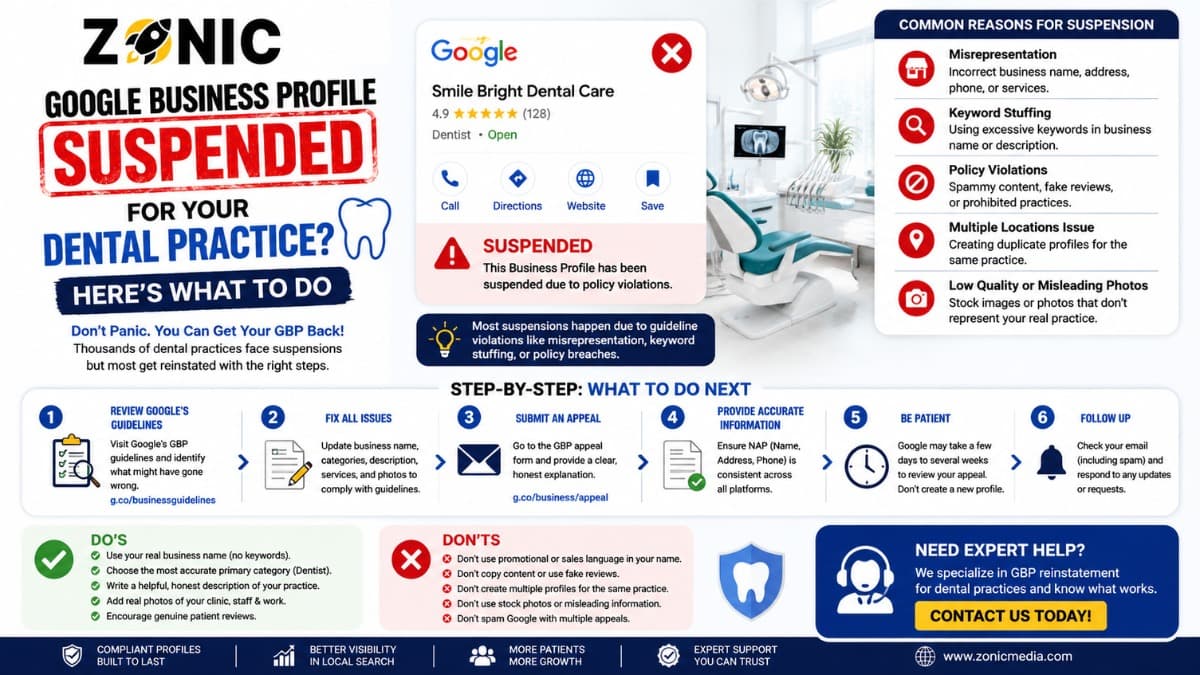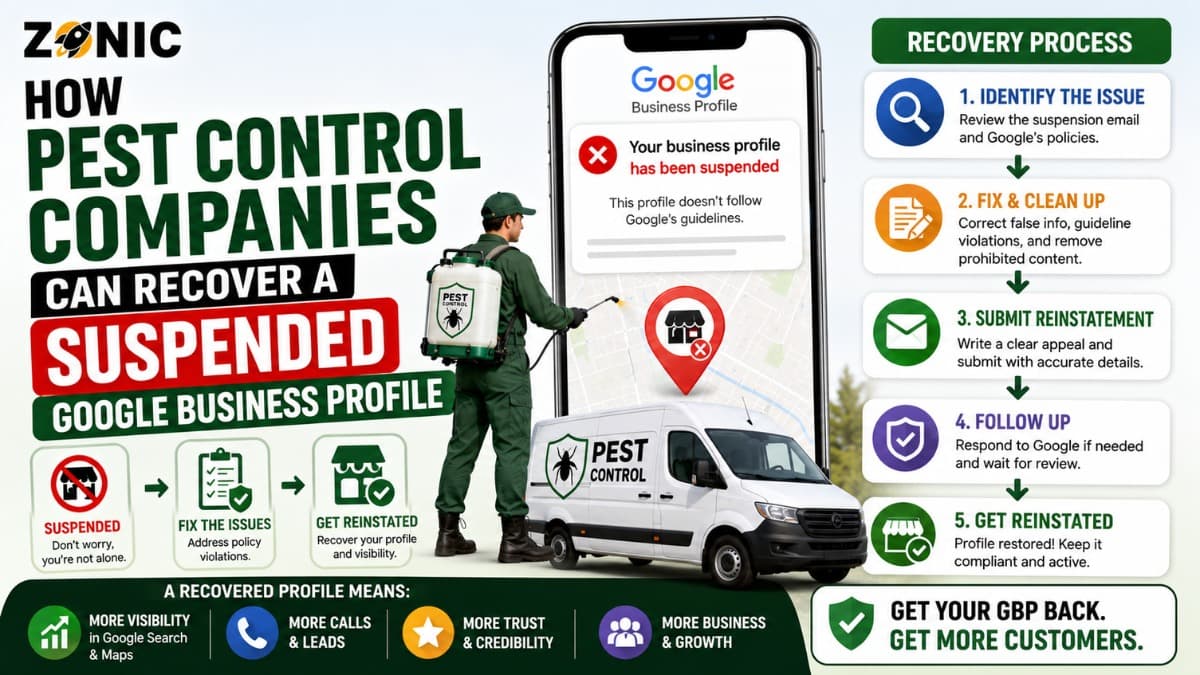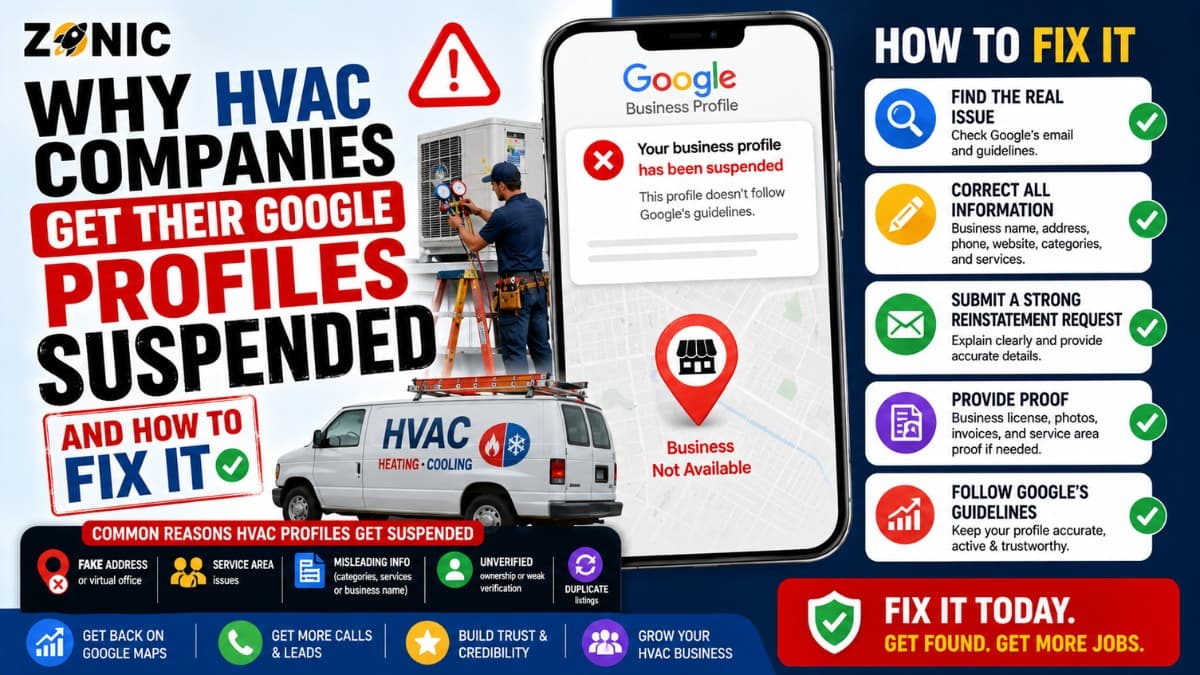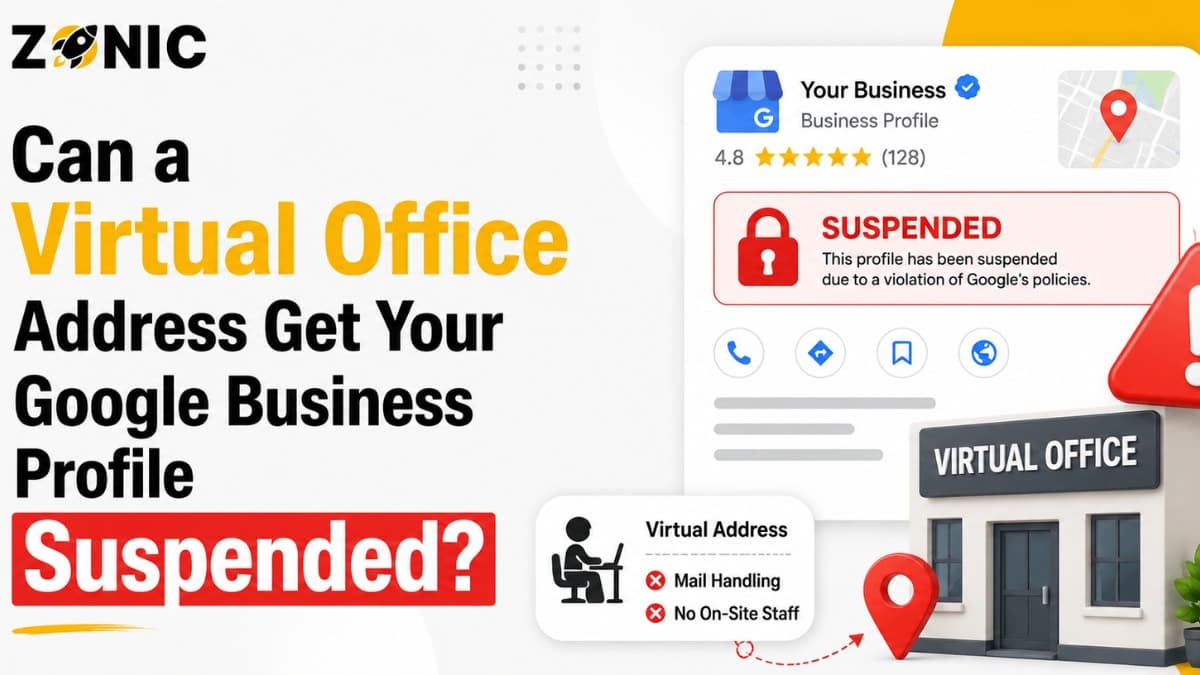
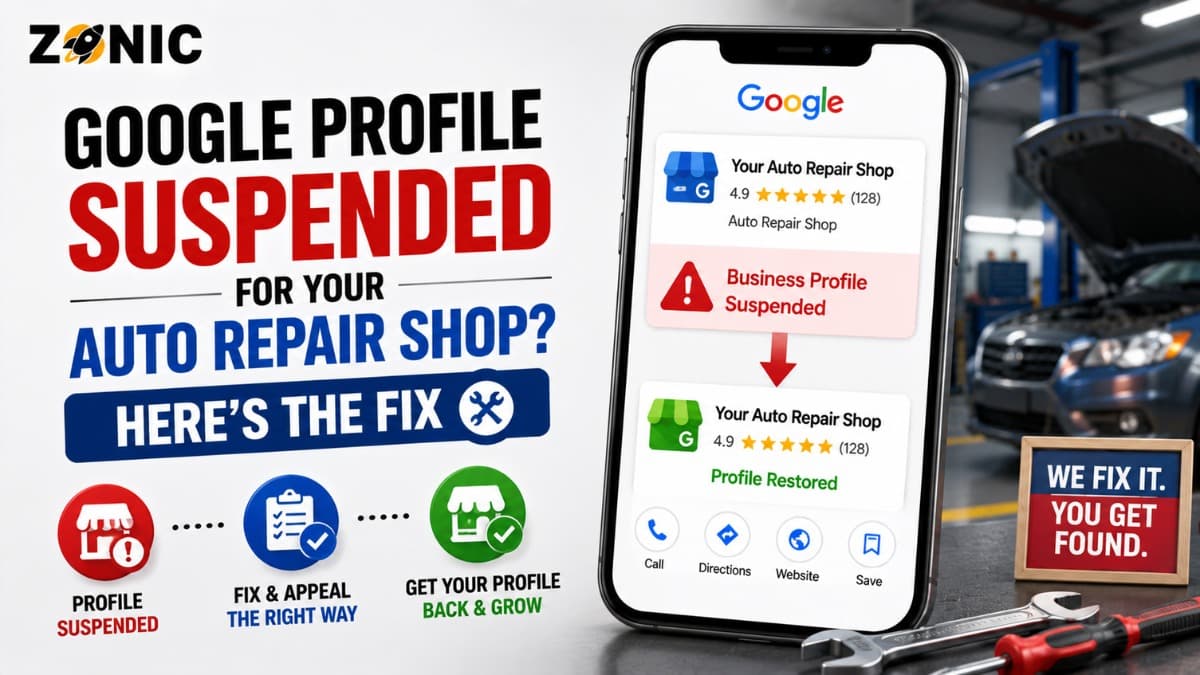
When an auto repair GBP suspended issue happens, it can affect phone calls, appointment requests, direction clicks, and walk-in customers almost immediately. Your shop may stop showing properly on Google Maps for brake repair, oil changes, engine diagnostics, transmission service, tire repair, state inspections, auto electrical work, or mechanic near me searches.
For an auto repair shop, this is serious because customers often search when they already need help. A driver may have a check engine light on. Another may need brake repair before work. Someone else may be looking for a mechanic after a breakdown, battery issue, overheating problem, or failed inspection.
If your Google Business Profile is suspended, those customers may never reach your shop.
The stressful part is that many shop owners do not know what caused the suspension. The listing may have looked normal for years. Then one profile edit, address issue, ownership change, duplicate listing, or verification problem can restrict the profile.
Some auto repair businesses create a new listing. Some change the business name several times. Some upload documents that do not match the shop. Some use a different address, old phone number, or old business name without realizing it creates confusion.
A better fix starts with a careful review. You need to confirm that the profile accurately represents the real auto repair shop, correct any risky details, prepare matching evidence, and use the official appeal process.
This guide explains why mechanic profiles get suspended, what to check before appealing, what evidence may help, and how to protect the listing after reinstatement.
Why Auto Repair Google Business Profiles Get Suspended
Auto repair shops can get suspended when Google believes the profile may not follow its Business Profile guidelines. Sometimes the issue is obvious, such as a duplicate listing or wrong address. Other times, the cause is harder to spot.
Auto repair businesses often have details that need careful handling. A shop may have changed ownership. A mechanic may have moved locations. A franchise or independent brand may use a different legal name from the public shop name. A previous marketing company may have created old listings. A shop may share a building with a tire business, towing company, dealership, car wash, or body shop.
Google wants business profiles to represent real businesses accurately. For an auto repair shop, that means the profile should match the real shop name, address, phone number, website, category, hours, and customer-facing location.
If the profile looks like a duplicate, lead-generation listing, fake location, keyword-stuffed name, or outdated business, it may be restricted.
A legitimate mechanic can still get suspended if the online information does not clearly prove the shop is real and active.
Do Not Create a New Mechanic Listing After Suspension
Creating another Google Business Profile after a suspension may feel like a quick fix, but it can create duplicate problems.
Google’s suspension guidance says not to create a new business profile for the same business while an appeal is under review. A second profile may look like a duplicate or an attempt to avoid the review process.
Google may connect both profiles through the same shop name, address, phone number, website, owner account, category, photos, or service area. If that happens, the new listing may also be restricted or create more confusion during review.
The original profile may already have reviews, shop photos, service history, customer questions, driving direction activity, and local trust. Starting over can mean losing the value your auto repair shop already built.
For most repair shops, recovering the original listing is safer than replacing it.
Confirm the Profile Matches the Real Auto Repair Shop
Before submitting an appeal, check whether the Google listing matches the real-world shop. This is where many reinstatement cases succeed or fail.
The profile should represent the business customers actually visit. If the shop name on Google is different from the sign outside, the invoice name, the website, or the license documents, Google may have trouble confirming the business.
The address should also be accurate. Auto repair shops usually operate from a physical location where customers bring vehicles. That location should be open during posted hours and should be supported by real-world proof such as signage, garage bays, office area, storefront, lease, business license, utility bill, or photos.
Phone number consistency matters too. If Google shows one phone number, the website shows another, and older directories show a third, the profile may look messy.
A clean reinstatement case should make one thing obvious: this is a real auto repair shop operating at this address under this business name.
Common Suspension Triggers for Auto Repair Shops
Most auto repair profile suspensions come from details that appear inconsistent, over-optimized, duplicated, or difficult to verify. Check these issues before submitting an appeal.
Possible Issue | Why It Can Hurt an Auto Repair GBP | What to Review |
Keyword-stuffed business name | Google expects the name to match real-world branding | Compare profile name with signage, license, invoices, website, and uniforms |
Wrong shop address | Customers need to find the real repair location | Confirm street address, suite, unit, and entrance |
Duplicate mechanic listings | Multiple listings for the same shop can confuse Google | Search old names, phone numbers, websites, and addresses |
Old ownership information | Previous owners may have left old profiles online | Review old listings and manager access |
Shared building confusion | Auto services often share lots or buildings | Confirm signage, suite, bay, and shop identity |
Wrong category | Google may not understand the main business | Check whether the main category fits auto repair |
Website mismatch | Conflicting details weaken trust | Match name, phone, address, hours, and services |
Recent major edits | Sudden changes can trigger review | Check recent edits to name, address, phone, category, and website |
This review should happen before the appeal. If the same issue remains on the profile, the request may be weaker.
Review the Auto Repair Business Name Carefully
The business name on your Google Business Profile should match the real-world name of the shop. It should not include extra service keywords, city names, or promotional phrases unless those words are part of the actual business name.
A shop named “Precision Auto Repair” should not become “Precision Auto Repair Brake Repair Oil Change Transmission Mechanic Near Me” on Google.
The profile name should match what customers see on the building sign, invoices, uniforms, website, business registration, shop license, inspection station paperwork, and customer-facing materials.
Auto repair is a competitive category, so it is common for businesses to want more search visibility. But the business name field should not be used as a keyword list.
Use categories, services, website pages, reviews, and photos to explain what the shop does. Keep the business name accurate and clean.
Check the Address, Suite, Unit, and Shop Entrance
Address accuracy is especially important for auto repair shops because customers usually bring their vehicles to the location. A wrong address can create customer frustration and profile trust issues.
Check the full address carefully. Make sure the street number, suite, unit, bay, building name, and ZIP code are correct. If the shop is behind another business, inside an industrial complex, or sharing a lot with another automotive business, make sure the listing is still easy to verify.
Photos can help support the location. Clear images of the exterior, shop sign, entrance, garage bays, reception area, service desk, and branded vehicles may help prove the shop is real.
If the business recently moved, update the profile carefully and make sure the website, citations, licenses, and documents support the new address.
A repair shop should not use a private home, mailbox, virtual office, or unrelated office address as if it is the place where customers bring cars.
Search for Duplicate Auto Repair Listings
Duplicate profiles are common in the automotive industry. They may come from previous owners, old agencies, directory data, franchise changes, old phone numbers, or businesses that changed names.
Before appealing, search Google Maps for the shop name, old shop names, phone number, old phone numbers, website URL, current address, old address, and major service terms.
Look for listings that represent the same shop under slightly different names.
One profile may use the current shop brand. Another may use an old owner’s name. Another may show the previous business at the same address. Another may list a service department separately.
Do not delete, close, or edit old listings randomly. Some profiles may have reviews or ownership history. Others may need to be handled through a duplicate or ownership process.
Prepare Evidence for Mechanic Google Business Reinstatement
Google may ask for evidence during the appeal process. Google lists examples such as official business registration, business license, tax certificates, and utility bills for the business. Google also says submitted documents should match the business name and address on the profile.
For an auto repair shop, useful evidence may include business registration, auto repair license where applicable, inspection station license if applicable, tax certificate, lease, business utility bill, insurance certificate, storefront photos, shop signage, service bay photos, reception photos, branded vehicle photos, invoices with private customer data removed, and website screenshots.
Evidence should clearly connect the shop name to the address on the listing.
If the legal entity name is different from the public shop name, make the relationship clear. For example, the legal company may own a public-facing DBA. In that case, supporting documents should help explain the connection.
Avoid uploading documents with private customer information, full VINs, payment details, personal addresses, or sensitive repair records. Evidence should prove the business, not expose customer data.
Submit the Appeal Through the Correct Process
Use the official Google Business Profile appeals tool while signed in to the account that manages the suspended profile. Select the restricted profile and review the moderation reason or policy information if it is shown.
If the issue seems related to the business name, fix the name before appealing. If the issue is the address, make sure the address is accurate and supported. If duplicates exist, document them and avoid creating another profile.
If Google gives you the option to submit evidence, be ready before opening the evidence form. Google says that once the evidence form is opened, evidence must be submitted within 60 minutes or it will not be attached to the appeal.
Explain that the profile has been reviewed, inaccurate details have been corrected if needed, and the attached evidence supports the real auto repair shop name, address, and eligibility.
Avoid long emotional messages about lost customers, competitors, or unfair treatment. Google needs a clean explanation and matching proof.
What to Avoid While the Appeal Is Pending
After submitting the appeal, keep the case stable. Do not create another listing for the same auto repair shop. Do not keep changing the business name, phone number, address, category, or website. Do not submit repeated appeals before Google responds.
Google says businesses should not create a new profile for the same business while an appeal is under review. It also says not to submit multiple appeals for the same issue before receiving a decision.
While waiting, review the shop website and major citations. Make sure the business name, address, phone number, hours, services, and category match across important platforms.
Also review manager access. Remove old marketing vendors, former employees, previous owners, or unknown users who should not control the listing.
If the Auto Repair Appeal Is Denied
A denied appeal does not always mean the listing is gone forever. It means Google did not approve the first request or the profile still appears to have unresolved issues.
Review the profile from the beginning. Check the business name, address, suite, category, website, phone number, duplicate listings, previous owner data, and evidence match.
If an additional review is available, use stronger evidence that was not included before. This may include clearer shop signage, business registration, repair license, tax documents, utility bill, lease, inspection station proof, or updated website details that match the profile.
If the real problem is a wrong address, unsupported location, duplicate listing pattern, or mismatched business name, fix that before sending more documents.
Protect the Auto Repair Profile After Reinstatement
After the listing is restored, avoid making several major edits right away. A reinstated profile should remain stable.
Start by checking the business name, address, phone number, website, category, hours, services, photos, reviews, appointment links, and manager access.
Make sure the profile matches the website, invoices, signage, license records, local directories, and customer-facing materials.
Add real photos of the shop exterior, service bays, reception area, signage, team, branded vehicles, equipment, and completed work where appropriate. Keep customer privacy in mind. Do not show license plates, VINs, customer documents, or private repair records without permission.
Update services accurately. Brake repair, oil changes, engine diagnostics, transmission service, tire repair, AC repair, battery replacement, inspections, and general auto repair should only be listed if the shop truly offers them.
A restored profile should build long-term trust, not create another suspension risk.
Auto Repair GBP Reinstatement Checklist
Use this checklist before submitting or resubmitting an appeal:
Confirm the profile represents the real auto repair shop
Review the business name for extra keywords
Check the address, suite, unit, and shop entrance
Confirm the shop is customer-facing during posted hours
Search for duplicate auto repair or mechanic listings
Review old owner, old agency, and old phone number issues
Match website, phone, address, hours, and services
Prepare license, registration, utility, tax, or lease evidence
Add photos of signage, shop exterior, bays, and reception
Avoid creating a new profile while the appeal is pending
This checklist helps make the reinstatement case clearer and easier to review.
How Zonic Helps Auto Repair Shops With GBP Reinstatement
Zonic helps auto repair shops review suspended Google Business Profiles before appeal mistakes make the case harder.
The review starts with the profile setup. Zonic checks the shop name, address, suite or unit details, category, phone number, website, hours, recent edits, manager access, duplicate listings, and old ownership issues.
For auto repair shops, address and signage proof are especially important because customers usually visit the shop in person. Zonic helps identify whether the profile details match the real location, customer-facing shop, website, documents, and visible branding.
Zonic also reviews evidence before submission. This may include business registration, repair licenses, tax certificates, utility bills, lease proof, insurance documents, shop photos, signage photos, service bay photos, and website consistency.
If the first appeal was denied, Zonic can help review what may have been missing and prepare a cleaner additional review request when that option is available.
The goal is not to submit repeated appeals or make random edits. The goal is to build a clear, accurate, and easy-to-review reinstatement case.
Conclusion
A suspended Google Business Profile can hurt an auto repair shop quickly. Customers looking for brake repair, diagnostics, oil changes, inspections, engine repair, tire service, or emergency mechanic help often search on Google before they call or drive to a shop.
Do not create another listing for the same shop. Do not stuff the business name with repair keywords. Do not use an address that does not represent the real customer-facing shop. Do not submit mismatched documents. Do not ignore duplicate listings or old ownership problems.
Instead, review the listing carefully. Check the shop name, address, suite, category, phone number, website, hours, duplicate profiles, manager access, and recent edits. Prepare evidence that proves the auto repair shop is real, eligible, and accurately represented.
If your auto repair GBP is suspended and you are unsure what to do next, you can reach out to Zonic for a careful review before submitting or resubmitting an appeal.
Call Zonic Media at (302) 726-9736 or visit 8 The Green, Suite B, Dover, DE 19901 to request help with mechanic Google Business reinstatement for your auto repair shop in New York City or anywhere across the United States.
Frequently Asked Questions
Why was my auto repair Google Business Profile suspended?
Your profile may be suspended because of a keyword-stuffed shop name, wrong address, duplicate listing, old ownership information, shared building confusion, wrong category, website mismatch, recent major edits, or evidence that does not support the profile.
Can I create a new profile if my auto repair GBP is suspended?
No. Google says not to create a new Business Profile for the same business while an appeal is under review. A new listing can create duplicate problems and make reinstatement harder.
What evidence helps with mechanic Google Business reinstatement?
Useful evidence may include business registration, repair license, inspection station license, tax certificate, utility bill, lease, insurance document, shop signage photos, exterior photos, service bay photos, reception photos, and website screenshots.
Why do duplicate mechanic listings cause problems?
Duplicate listings can confuse Google and customers. They may make it harder to prove which profile represents the real auto repair shop, especially after ownership changes, phone number changes, or business name updates.
Should an auto repair shop show its address on Google?
Yes, if customers can visit that repair shop during posted hours. The address should match the real shop location, signage, documents, website, and customer-facing business information.