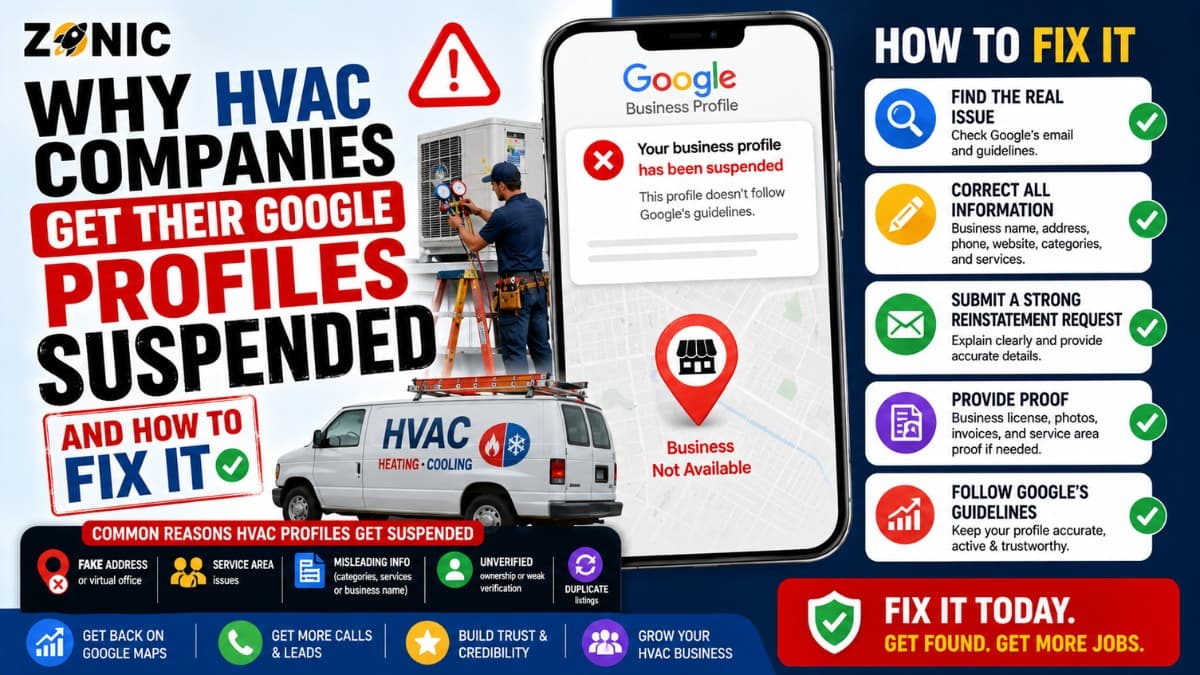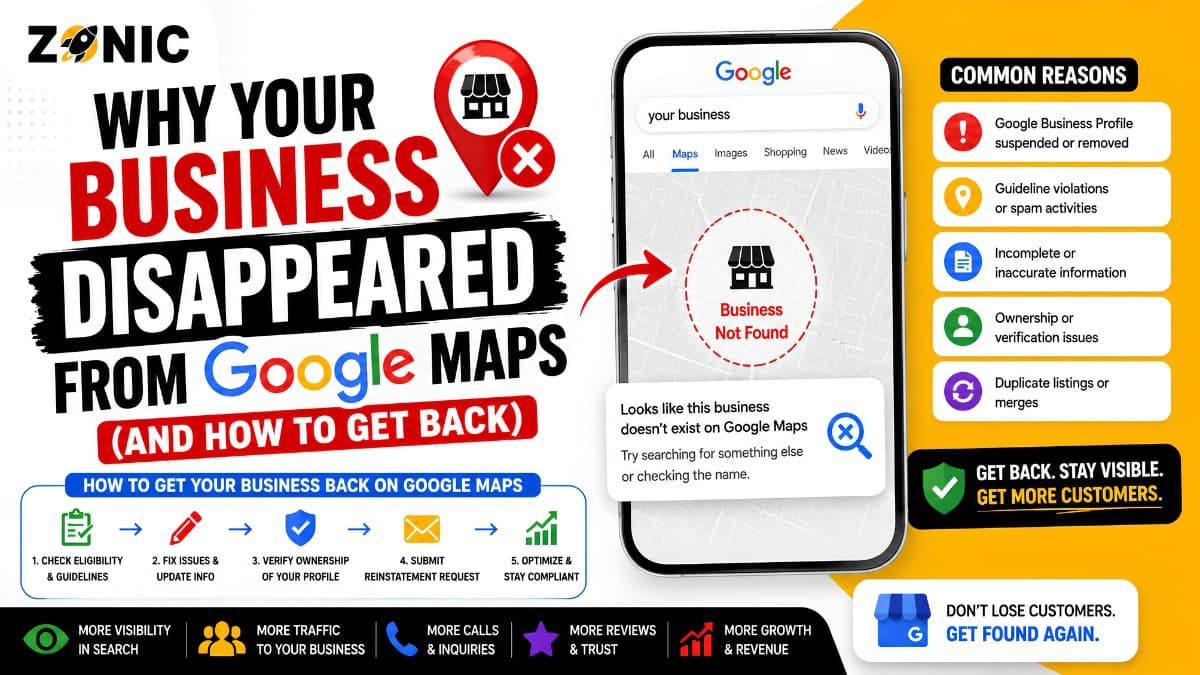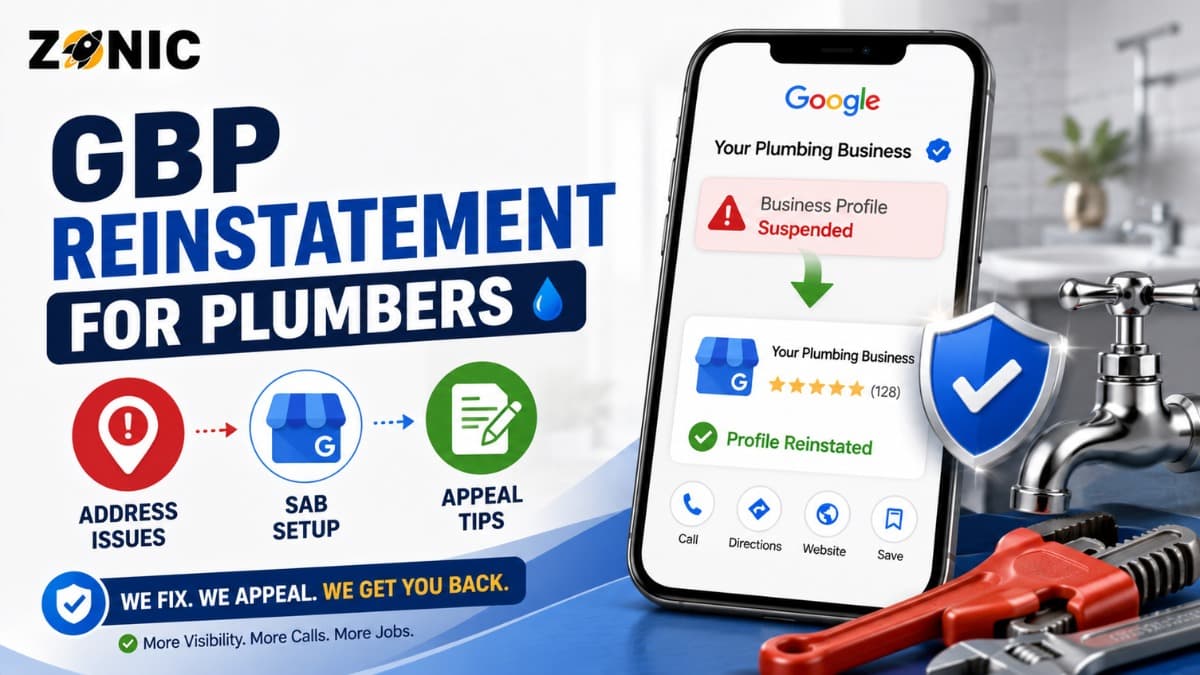
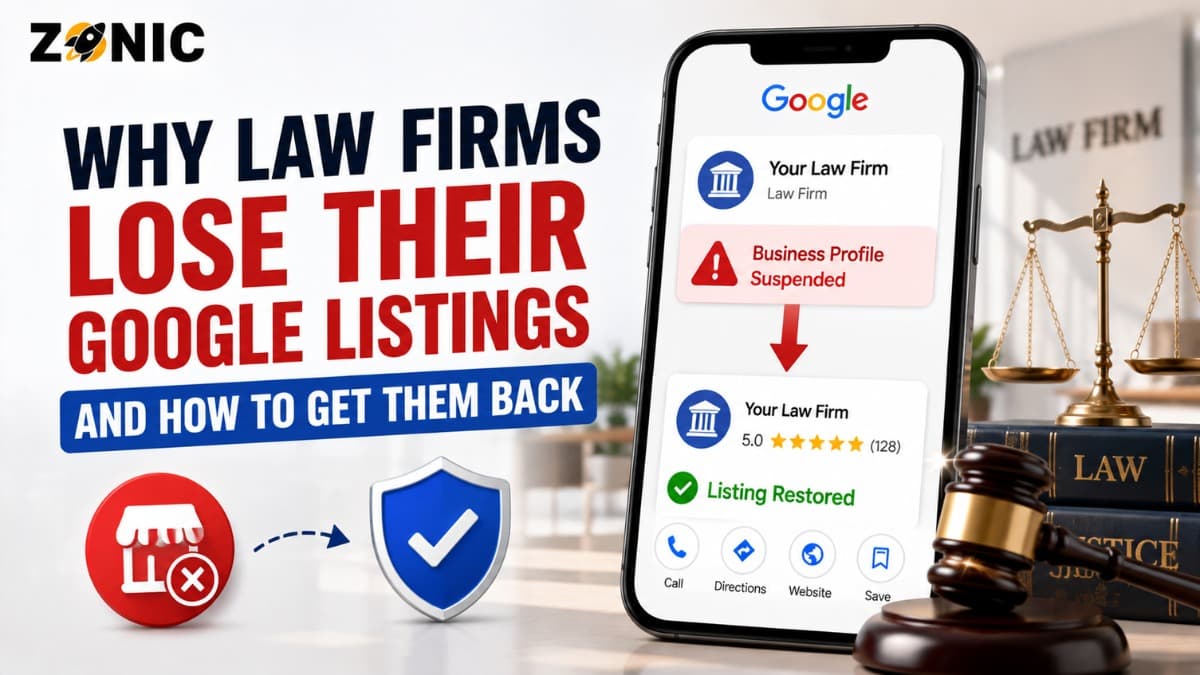
When a law firm's Google Business suspension issue happens, it can damage trust quickly. Your firm may stop showing properly on Google Search or Maps. People searching for your firm name, attorney name, practice area, office location, or urgent legal help may no longer see the profile the way they expect.
Potential clients often search before they call. They may compare reviews, check office location, confirm practice areas, read attorney information, and decide whether the firm looks credible enough to contact. If the Google listing is suspended or restricted, that trust path can break.
This is especially serious for practice areas where clients need help fast. Personal injury, criminal defense, family law, immigration, bankruptcy, workers’ compensation, estate planning, and employment law searches can turn into phone calls when the firm looks reliable and available.
The difficult part is that many attorneys and office managers do not know what caused the suspension. The listing may have been live for years. Then one edit, one verification request, one duplicate profile, one address issue, or one policy review can cause the profile to disappear.
This guide explains why law firms lose Google listings, what to check before filing an appeal, what evidence may help, and how attorney GBP reinstatement should be handled carefully.
Why Law Firm Google Business Profiles Get Suspended
Law firm listings can be complex because legal businesses often have multiple attorneys, practice areas, office locations, suite numbers, and shared addresses. Google needs to understand what the profile represents and whether it matches a real eligible business.
A law firm profile usually represents the firm as a business. An attorney profile may represent an individual practitioner. A multi-location firm may have separate profiles for real staffed offices. A virtual office, rented mailbox, or address used only for marketing can create risk.
Suspensions often happen when Google sees unclear or inconsistent information. The profile name may include extra practice-area keywords. The address may not match the real office. Several attorneys may have overlapping profiles at the same location. A previous agency may have created duplicate listings. The website may show one phone number while the profile shows another.
The goal of reinstatement is to prove that the profile represents a real, eligible, accurately named, and properly located law firm or attorney.
Do Not Create a New Law Firm Listing After Suspension
Creating another Google Business Profile after suspension may seem like a quick fix. It usually creates more risk.
Google’s guidance says not to create a new Business Profile for the same business while an appeal is under review. A second profile may look like a duplicate or an attempt to bypass the suspension process.
Google may connect the new profile to the suspended listing through the same firm name, attorney name, address, phone number, website, owner account, practice category, or office location. If that happens, the new listing may also be restricted or may create more confusion during review.
The original profile may also have valuable reviews, client trust, photos, posts, office details, branded search visibility, and years of history. Starting over can mean losing the value your firm already built.
Identify Whether the Profile Represents a Firm, Attorney, or Office
Before appealing, clarify what the suspended profile is supposed to represent. This step matters because the evidence and setup must match the profile type.
A law firm profile should represent the actual firm. An attorney profile should represent a public-facing attorney. A branch profile should represent a real office location. A practice-area listing should not exist as a separate profile unless it represents a real eligible business entity, not just a keyword.
For example, a firm should not create separate Google profiles for “personal injury lawyer,” “car accident lawyer,” “truck accident lawyer,” and “slip and fall lawyer” if they all represent the same office and same firm.
If the profile name, address, website, and evidence do not clearly show what the listing represents, Google may have trouble verifying it.
Attorney GBP reinstatement starts with a simple question: what exact real-world business or practitioner does this profile represent?
Common Reasons Law Firms Lose Google Listings
Many law firm suspensions come from details that appear small but create large trust issues. Before submitting an appeal, review the profile carefully.
Possible Issue | Why It Can Hurt a Law Firm GBP | What to Review |
Keyword-stuffed firm name | Google expects the name to match real-world branding | Compare profile name with signage, website, bar listing, documents, and letterhead |
Virtual office address | The location may not be a real staffed law office | Check lease, signage, reception, and client meeting availability |
Duplicate attorney profiles | Multiple profiles can confuse Google | Search attorney names, old firms, old addresses, and phone numbers |
Practice-area spam listings | Separate profiles for services can look misleading | Confirm each profile represents a real eligible entity |
Wrong category | The category should match the legal business type | Review whether law firm, attorney, or specific legal category fits |
Website mismatch | Conflicting details weaken trust | Match name, phone, address, and practice information |
Shared suite confusion | Several firms may operate from one building | Confirm suite number, signage, and office proof |
Recent major edits | Sudden changes can trigger review | Check edits to name, address, phone, category, and website |
This table should be used before the appeal. If the same issue remains on the listing, the reinstatement request may be weaker.
Review the Law Firm Name Before Appealing
The business name on the profile should match the real-world name of the law firm. It should not be used like an SEO title.
A firm named “Anderson Legal Group” should not change the profile name to “Anderson Legal Group Personal Injury Lawyer Car Accident Attorney New York” unless those words are truly part of the firm’s official real-world name.
The same applies to attorney profiles. An attorney’s profile should not be stuffed with phrases like “Best Divorce Lawyer,” “Top Criminal Defense Attorney,” “NYC Immigration Lawyer,” or “Accident Attorney Near Me” unless the naming matches real-world usage and Google’s rules.
The name should match firm signage, website branding, legal documents, bar profile, business registration, office directory, letterhead, and client-facing materials.
Law firms often want to rank for competitive practice-area searches. That is understandable. But the profile name should not be used to force those keywords.
Use categories, services, website practice-area pages, reviews, and content to explain what the firm does. Keep the name field clean and accurate.
Check Address, Suite, and Office Eligibility
Address issues are a major cause of law firm listing problems. Legal practices often operate in office towers, shared suites, coworking spaces, executive offices, virtual offices, or multiple branch locations.
A public address should represent a real office where clients can meet the firm during stated hours.
If the address is only used for mail, call forwarding, or search visibility, it may create risk. A rented mailbox, virtual office, or unstaffed space can make the listing harder to verify.
For a law firm office, evidence should support the location. This may include lease documents, utility bills, office photos, exterior photos, suite signage, reception area photos, building directory photos, and website office-location pages.
If several attorneys or firms share the same suite, make sure the listing clearly represents the correct firm or practitioner. Suite confusion can create duplicate and eligibility problems.
A law firm should not use an address only because it wants to rank in a city.
Understand Practitioner Profiles for Attorneys
Attorney profiles can be allowed when they represent public-facing legal professionals, but they must be managed carefully. The attorney should be connected to the office where they actually practice, and the profile should not duplicate the firm profile in a misleading way.
Problems happen when every attorney creates a profile with the same phone number, same address, same website, and overlapping practice-area keywords. More profiles do not always mean more visibility. They can create confusion.
If an attorney leaves the firm, the profile should be reviewed. Old profiles connected to previous firms, old phone numbers, or outdated offices can cause trust issues.
A law firm should also avoid creating profiles for non-attorney staff, intake teams, paralegals, or departments that are not separate eligible public-facing businesses.
For reinstatement, attorney profiles should clearly support the individual lawyer’s professional identity, office connection, and client-facing role.
Search for Duplicate Law Firm and Attorney Listings
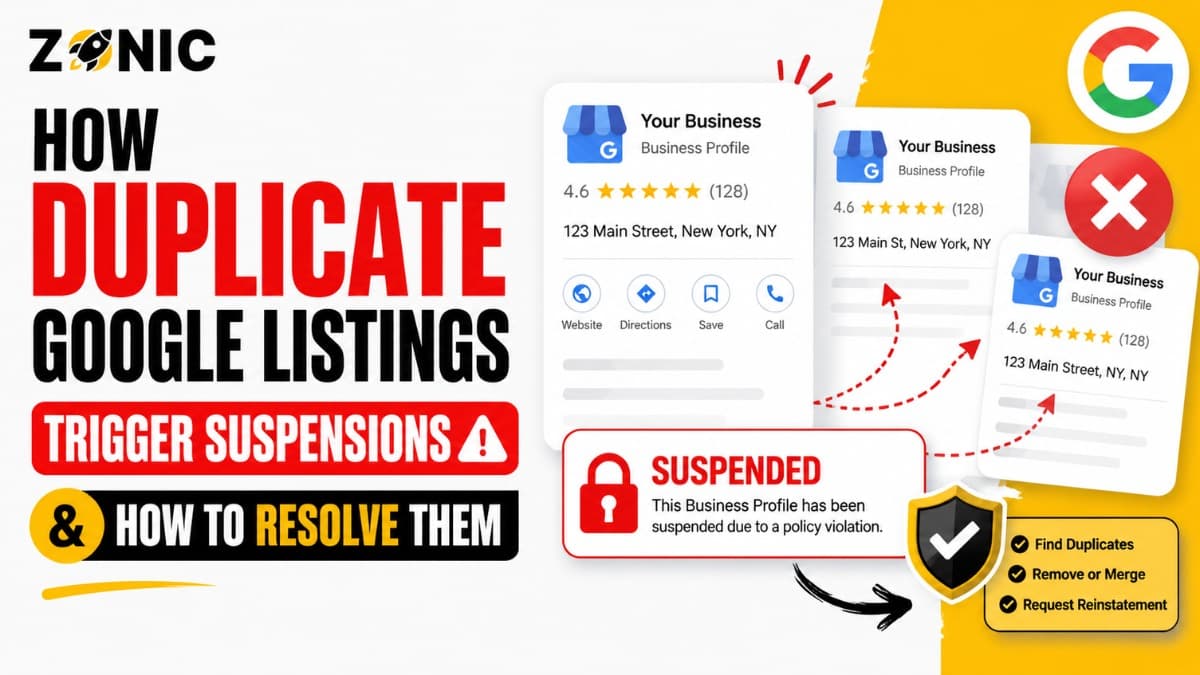
Duplicate profiles are common in legal SEO. They may come from old agencies, previous firm names, attorney moves, office relocations, lead generation campaigns, or automated directory sources.
Before filing an appeal, search Google Maps for the firm name, attorney names, old firm names, phone number, old phone numbers, website URL, current office address, old office address, and practice-area variations.
Look for profiles that represent the same firm or attorney under slightly different names.
Do not delete or close listings randomly. Some profiles may have reviews or ownership history. Others may need to be resolved through a duplicate or ownership process.
A clean appeal should make it easy for Google to understand which listing is the real active profile.
If Google sees several similar profiles for the same firm, same attorney, same address, or same phone number, reinstatement can become more complicated.
Prepare Evidence That Supports the Legal Profile
Google may request evidence during the appeal process. Google says businesses may be asked to submit evidence to support an appeal and that documents should match the business name and address on the profile.
For law firms, evidence should prove the firm or attorney is real, eligible, and accurately represented.
Helpful evidence may include business registration, state bar listing, attorney license, professional license, lease, utility bill, tax certificate, office signage photos, building directory photos, letterhead, website screenshots, branded materials, and official firm documents.
If the profile represents a firm, evidence should support the firm name and office address. If the profile represents an individual attorney, evidence should connect the attorney to the practice location and professional identity.
Avoid uploading confidential client records, legal filings with sensitive information, settlement documents, intake forms, signed retainers, court documents with private details, or anything protected by attorney-client confidentiality.
The goal is to prove the business without exposing private legal information.
How to Submit a Law Firm GBP Appeal
Use the official Google Business Profile appeals tool while signed in to the account that manages the suspended profile. Select the restricted profile and review any moderation reason or policy information shown.
If the issue relates to the business name, correct the name before submitting. If it relates to the address, review whether the office is real, staffed, and supportable. If duplicates exist, document them and avoid creating new ones. If evidence is weak, gather better proof first.
You can explain that the profile has been reviewed, inaccurate details have been corrected if needed, and the attached documents support the real law firm or attorney shown on the listing.
Avoid emotional language about lost cases, competitor reports, or Google being unfair. The appeal should focus on accuracy, eligibility, and evidence.
What to Avoid While the Appeal Is Pending
Once the appeal is submitted, keep the case stable. Do not create another profile for the same firm or attorney. Do not keep changing the name, category, address, phone number, or website. Do not submit repeated appeals before Google responds.
For law firms, also avoid creating extra practice-area profiles during the appeal. A suspended firm profile should not be followed by new listings for “car accident lawyer,” “injury attorney,” “divorce lawyer,” or “criminal defense attorney” at the same office if those listings represent the same business.
Also review profile manager access. Remove old agencies, previous employees, or unknown users who should not manage the listing.
If the Law Firm Appeal Is Denied
A denied appeal is frustrating, but it does not always mean the profile cannot be recovered. It usually means Google was not satisfied with the request or the profile still appears to have unresolved issues.
Do not immediately submit the same appeal again.
Review the profile from the beginning. Check the firm name, attorney name, category, office address, suite number, website, phone number, duplicate profiles, practitioner profiles, and evidence match.
If an additional review is available, use stronger evidence that was not included before. This may include clearer bar registration, attorney license details, office signage, lease proof, business registration, utility bill, building directory photos, website office page, or firm documentation.
If the real problem is an unsupported office setup or duplicate listing pattern, correct that before sending more documents.
Protect the Listing After Reinstatement
After the law firm listing is restored, avoid making several major edits right away. A reinstated profile should remain stable.
Start by reviewing the business name, category, phone number, website, address, suite number, hours, services, photos, reviews, and manager access.
Make sure the listing matches the website, bar profile, legal directories, firm letterhead, business registration, and major citations.
If the firm moves offices, changes partners, rebrands, or opens a new branch, update the profile carefully. Major changes should be supported by consistent website updates and real-world documentation.
Keep the profile active in a natural way. Add real office photos, attorney photos, team photos, signage, building entrance images, and helpful service details. Avoid confidential client information or images that show private case materials.
Law Firm GBP Reinstatement Checklist
Use this checklist before submitting or resubmitting an appeal:
Confirm whether the profile represents a firm, attorney, or office location
Review the business name for extra legal keywords or city stuffing
Check whether the office address is real, staffed, and supportable
Confirm the suite number matches signage and documents
Search for duplicate law firm and attorney profiles
Review practitioner profiles for attorneys who left the firm
Match website, phone number, address, and category details
Prepare bar, license, registration, office, or lease evidence
Avoid uploading confidential client information
Do not create a new profile while the appeal is pending
This checklist helps make the reinstatement case more organized and easier to review.
How Zonic Helps Law Firms With GBP Reinstatement
Zonic helps law firms and attorneys review suspended Google Business Profiles before appeal mistakes make the case harder.
The review starts with the profile setup. Zonic checks whether the listing represents a firm, individual attorney, or office location. Then the business name, category, address, suite number, phone number, website, recent edits, duplicates, and manager access are reviewed.
For law firms, office eligibility and practitioner listings are especially important. Zonic helps identify whether the profile details match the real office, attorney identity, bar information, website, and public-facing business materials.
Zonic also reviews evidence before submission. This may include bar listings, attorney licenses, business registration, office lease, utility bills, signage photos, building directory photos, letterhead, website screenshots, and other proof that supports the listing.
If the first appeal was denied, Zonic can help review what may have been missing and prepare a cleaner additional review request when that option is available.
The goal is not to submit repeated appeals or make random edits. The goal is to build a clear, accurate, and easy-to-review reinstatement case.
Conclusion
A suspended Google Business Profile can hurt a law firm’s visibility, credibility, and lead flow. Potential clients often search a firm or attorney before calling. If the profile is missing, restricted, or inconsistent, trust can drop quickly.
Do not create another listing for the same firm or attorney. Do not stuff the profile name with practice-area keywords. Do not use a virtual office or mailbox as if it is a staffed law office. Do not upload confidential client documents. Do not appeal before checking duplicates, address details, and evidence.
Instead, clarify what the profile represents. Review the firm name, attorney profile setup, category, office address, suite number, website, phone number, duplicate listings, and recent edits. Prepare evidence that proves the listing is real, eligible, and accurately represented.
If your law firm's Google Business Profile is suspended and you are unsure what to do next, you can reach out to Zonic for a careful review before submitting or resubmitting an appeal.
Call Zonic Media at (302) 726-9736 or visit 8 The Green, Suite B, Dover, DE 19901 to request help with attorney GBP reinstatement for your law firm in New York City or anywhere across the United States.
Frequently Asked Questions
Why was my law firm Google Business Profile suspended?
Your profile may be suspended because of a keyword-stuffed firm name, virtual office address, duplicate attorney profiles, wrong category, website mismatch, unsupported office setup, recent major edits, or evidence that does not match the listing.
Can an attorney have a Google Business Profile?
Yes, an attorney may have a Google Business Profile when the profile represents a real public-facing practitioner connected to an eligible location. The setup should not duplicate the firm profile in a misleading way.
Should a law firm use a virtual office address on Google?
A law firm should be careful with virtual offices. A public address should represent a real staffed office where clients can meet the firm during stated hours. Mail-only or unstaffed locations can create suspension risk.
What evidence helps with attorney GBP reinstatement?
Useful evidence may include state bar listings, attorney license details, business registration, office lease, utility bill, signage photos, building directory photos, letterhead, website screenshots, and official firm documents that match the profile.
Can duplicate attorney profiles cause suspension?
Yes. Duplicate profiles can confuse Google and customers. They can also make it harder to prove which listing represents the real firm, attorney, or office location.