
How Many Photos Should Your Google Business Profile Have?
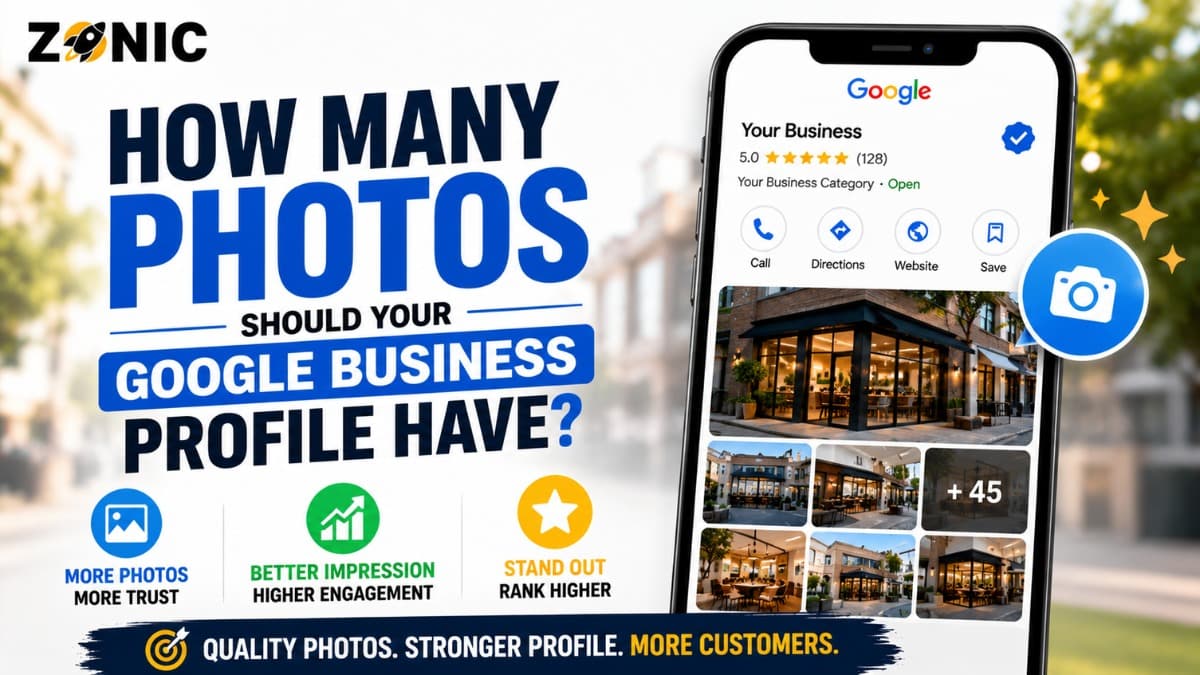
Photos are one of the most overlooked parts of a Google Business Profile. Many businesses upload a logo, add one cover photo, and never touch the photo section again. Others upload random images every week without thinking about quality, relevance, or customer trust.
A Google Business Profile should have enough photos to help customers understand the business before they call, visit, book, or request a quote. The exact number depends on the industry, business type, location, services, and how often the business has real visual proof to share.
For most local businesses, a strong starting point is 20 to 50 high-quality photos. A newer profile may begin with 10 to 20 strong photos, then add more over time. A busy service business, restaurant, clinic, med spa, retailer, or contractor may eventually have 75, 100, or more photos if they are real, useful, and current.
The better question is whether your photos help customers trust your business. Do they show the real location? Do they show real work? Do they show the team, vehicles, products, office, treatment rooms, food, equipment, or finished projects? Do they make the business feel active and legitimate?
Google Business Profile photos ranking discussions often focus too much on whether photos directly move rankings. The safer and more practical answer is this: photos support the customer journey. They can improve profile quality, trust, engagement, and conversion. Even when Google does not publish a simple ranking weight for photo quantity, better photos can help more people choose your business.
There Is No Official Magic Number for GBP Photos
Google does not publish one universal number that every business profile must have. There is no official rule that says a profile needs exactly 25, 50, or 100 photos to rank.
That matters because many business owners get distracted by photo counts.
A dental office with 25 strong photos may look more trustworthy than a dental office with 200 low-quality images. A roofing contractor with 40 real project photos may build more confidence than a contractor with 100 stock graphics. A restaurant with updated food and interior photos may convert better than one with old blurry images.
Quality and Relevance Matter More Than Count
A good GBP photo should help a customer answer a real question. Is this business real? Does it look professional? Do they offer what I need? Can I recognize the location? Does the team look active? Does the work look credible?
Photos that answer those questions are valuable.
Blurry photos, outdated images, generic stock pictures, heavy filters, screenshots, text-heavy graphics, and irrelevant images can weaken the profile. They may make the business look careless or less trustworthy.
Google’s guidance says photos should be in focus and well lit and should not use heavy alterations or filters that misrepresent reality. That should be the standard for every image you upload.
A Good Starting Photo Count for Most Businesses
Most local businesses should aim to build a healthy base of photos first. After that, they can add new photos naturally as the business operates.
For a new or thin profile, start with at least 10 to 20 strong photos. This gives customers enough visual information to understand the business. It also prevents the profile from looking empty or inactive.
For an established local business, 20 to 50 good photos is a stronger target. This gives room to show the logo, cover image, exterior, interior, team, work, products, equipment, and service proof.
For businesses with frequent visual activity, 50 to 100-plus photos can make sense over time. Restaurants, contractors, home service businesses, med spas, dental offices, retail stores, hotels, salons, gyms, and event venues often have more opportunities to add useful images.
Build a Photo Library Over Time
Do not rush to upload a large number of weak photos in one day. A better approach is to create a strong base and then add new images when there is something real to show.
A roofer can upload completed projects. A plumber can show branded vehicles and equipment. An HVAC company can show installations and service trucks. A restaurant can show new menu items. A dental office can show office updates, treatment rooms, and team photos without exposing patient information.
Recommended GBP Photo Targets by Business Type
Different industries need different kinds of photos. A restaurant needs food and atmosphere. A home service company needs vehicles, a team, equipment, and completed work. A clinic needs location and patient-friendly facility photos.
Business Type | Good Starting Target | Strong Ongoing Target | Best Photo Types |
Home service business | 15 to 30 | 50 to 100 plus | Vehicles, team, equipment, completed work, jobsite proof |
Dental or medical office | 15 to 30 | 40 to 75 | Exterior, reception, treatment rooms, team, equipment |
Restaurant or cafe | 25 to 50 | 100-plus | Food, seating, menu items, atmosphere, exterior |
Retail store | 20 to 40 | 75 plus | Storefront, aisles, products, displays, staff |
Med spa or salon | 20 to 40 | 75 plus | Treatment rooms, team, equipment, service environment |
Law firm or professional office | cover photo set10 to 25 | 30 to 50 | Exterior, office, team, conference room, branding |
Hotel or event venue | 40 to 75 | 150 plus | Rooms, amenities, entrances, event spaces, guest areas |
These are practical targets, not official Google rules. A business should upload photos because they help customers evaluate the business, not because it is trying to hit a random number.
The Core Photo Types Every Business Should Have
A strong Google Business Profile usually needs more than one type of photo. Customers want to see different parts of the business before they trust it.
The exact mix depends on the industry, but most businesses should include a logo, cover photo, exterior photo, interior photo, team photo, and proof of service or product quality.
Logo and Cover Photo Set the First Impression
Your logo helps customers recognize your brand. It should be clean, clear, and consistent with your website, signage, social media, and other branding.
Your cover photo should represent the business well. It may show your storefront, best finished work, team, service vehicle, food, treatment room, showroom, or another strong visual that helps customers understand what you do.
Google may not always show the exact cover photo you choose, but you should still upload a strong one. The image should look professional and should match the real business.
Exterior Photos Help Customers Recognize the Location
Exterior photos are important for businesses with a storefront, office, clinic, restaurant, retail store, or customer-facing location. They help people recognize the building before arriving.
Show the entrance, signage, parking area, front door, suite entrance, street view, or building exterior where appropriate.
For service-area businesses that do not receive customers at an office, exterior photos may be less important. In that case, branded vehicles, team photos, equipment, and real work proof may be more useful.
Interior Photos Build Comfort and Trust
Interior photos help customers understand what the experience will feel like. This is especially important for dental offices, med spas, restaurants, gyms, retail stores, clinics, salons, hotels, and professional offices.
Show clean, welcoming, and real spaces. A dental practice can show the reception area, treatment rooms, consultation rooms, and technology. A restaurant can show seating, atmosphere, and dining areas. A law firm can show the office and meeting space.
Avoid images that expose private information, customer data, patient records, or anything sensitive.
Service and Work Photos Are Essential for Contractors
For home service businesses and contractors, service proof is often more valuable than office photos. Customers want to know that your company can actually do the work.
A roofing company should show completed roofs, repair work, materials, trucks, crews, and jobsite conditions. A plumber can show water heater installs, drain equipment, service vans, and technician proof. An HVAC company can show furnace installations, AC units, heat pumps, ductwork, and branded vehicles. A pest control company can show uniforms, vehicles, equipment, and safe service activity.
Use Real Work, Not Stock Images
Stock photos rarely build strong trust on a Google Business Profile. Customers can often tell when an image is generic. Real work photos are more convincing because they show proof that your team is active and capable.
The photo does not have to be perfect, but it should be clear, well lit, and relevant.
If the photo shows completed work, make sure it represents the business accurately. Do not upload someone else’s project. Do not use images from manufacturers, suppliers, or competitors and present them as your own work.
Real proof beats polished fake visuals.
How Often Should You Add New GBP Photos?
A good rule for many businesses is to add new photos monthly. Busy businesses may add photos weekly. Seasonal businesses may update photos before peak demand periods. The frequency should match real activity.
A restaurant may add new menu photos often. A contractor may add photos after completed projects. A med spa may update treatment room or team photos when services change. A dental office may add updated facility photos when rooms, technology, or staff changes. The goal is to keep the profile current.
Avoid Uploading Photos Just to Upload Something
Do not add random images just to make the profile look active. Low-quality uploads can make the profile look worse.
A small number of strong photos is better than a large number of irrelevant photos.
Photo updates should support customer trust. If the image does not help a customer understand the business, service, location, team, or product, it probably does not need to be uploaded.
Do GBP Photos Help Rankings?
Business owners often ask whether photos directly help Google Maps rankings. The honest answer is that Google does not publish a simple formula saying a certain number of photos equals higher ranking.
Google’s local ranking system is mainly based on relevance, distance, and prominence. Photos are not usually explained as a standalone magic ranking factor in that framework.
But photos still matter.
They can help the profile stand out, improve customer trust, support engagement, and make the business look active. If more people choose your profile because it looks real and helpful, that can improve business outcomes even if photo count is not a guaranteed ranking lever.
Photos Support Conversions More Clearly Than Rankings
The clearest value of photos is conversion. A customer who sees real photos may feel more confident calling, visiting, booking, or requesting a quote.
For example, a dental patient may feel more comfortable after seeing the office. A homeowner may trust a roofer more after seeing completed projects. A diner may choose a restaurant after seeing food photos. A client may feel better about a law firm after seeing the office and team.
So instead of asking only how many GBP photos are needed for ranking, ask whether your photos help customers choose you.
That is the better business question.
Common GBP Photo Mistakes to Avoid
Many businesses either neglect photos completely or treat them like a dumping ground. Both approaches can hurt the profile’s quality.
Avoid these mistakes:
Uploading blurry, dark, or low quality images
Using stock photos instead of real business images
Adding heavy filters that misrepresent reality
Uploading screenshots, flyers, or text-heavy graphics as main photos
Showing private customer, patient, or account information
Using old photos that no longer represent the business
Uploading unrelated images only to increase photo count
Using competitor or supplier images as your own
Forgetting exterior photos for customer-facing locations
Never updating photos after major changes
Photos should help customers understand the business clearly. If an image creates confusion, it should not be part of the profile.
How to Build a Strong GBP Photo Plan
A strong photo plan starts with a simple audit. Look at your current profile and ask whether the images tell a complete story.
Can customers recognize your brand? Can they see the location or service proof? Can they understand what you offer? Do the photos look recent? Do they show real people, real work, and real spaces?
If the answer is no, start by filling the biggest gaps.
Simple Photo Mix for Most Local Businesses
Most businesses can begin with a balanced mix of image types.
Upload a clear logo and cover photo. Add exterior and interior photos if customers visit your location. Add team photos to humanize the business. Add service or product photos that show what customers can expect. Add vehicle or equipment photos for service-area businesses.
Then update the profile consistently with useful new images.
The best profiles usually feel active, real, and easy to trust. They do not feel overstuffed, fake, or neglected.
How Zonic Helps Businesses Improve GBP Photos
Zonic helps local businesses review their Google Business Profile photos as part of a broader local SEO and conversion audit.
The process starts by checking whether the profile has enough visual proof. Zonic reviews the logo, cover image, exterior photos, interior photos, service proof, team photos, product photos, and overall image quality.
Zonic also checks whether the photos match the business type. A roofing company needs different visuals than a dental office. A restaurant needs different visuals than a law firm. A pest control company needs different visuals than a med spa.
The goal is not to upload random photos. The goal is to help customers trust the business faster and take action.
Zonic also reviews how photos connect to the rest of the profile, including categories, services, reviews, website pages, and local conversion paths.
Conclusion
There is no single official number of Google Business Profile photos that guarantees better rankings. A business does not need to chase a magic count. It needs enough strong, real, and current photos to help customers understand and trust the business.
For many local businesses, 20 to 50 quality photos is a strong target. New profiles can start with 10 to 20 strong images. Visual businesses and active service businesses may grow to 75, 100, or more photos over time if the photos are useful and real.
The best GBP photos show real proof. They show the location, team, work, products, service environment, vehicles, equipment, and customer-facing spaces. They are clear, well lit, accurate, and current.
If your Google Business Profile has only a logo and a few old images, it may be time to refresh it. Better photos can make your business look more active, more trustworthy, and easier to choose.
If you are unsure whether your Google Business Profile photos are helping or hurting your local presence, you can reach out to Zonic for a profile review.
Call Zonic Media at (302) 726-9736 or visit 8 The Green, Suite B, Dover, DE 19901 to discuss Google Business Profile photos and local SEO opportunities for your business in New York City or anywhere across the United States.